How to show the chart legend in Pitch
Here is how to show the chart legend in pitch
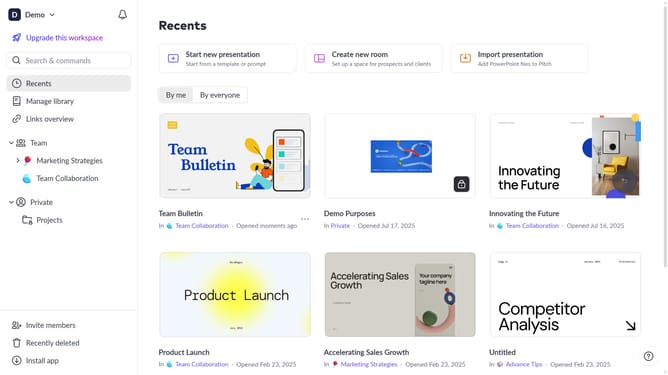
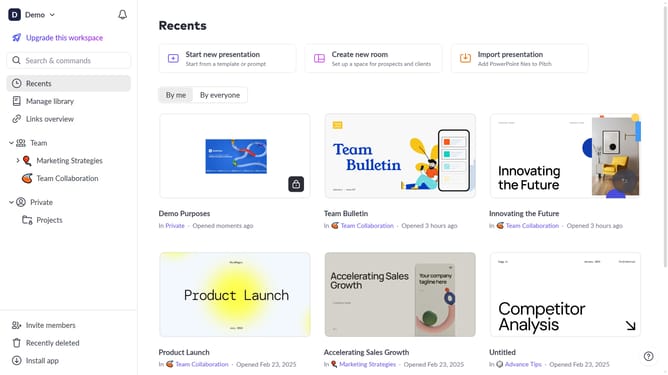
- First click the presentation that contains the chart you want to edit
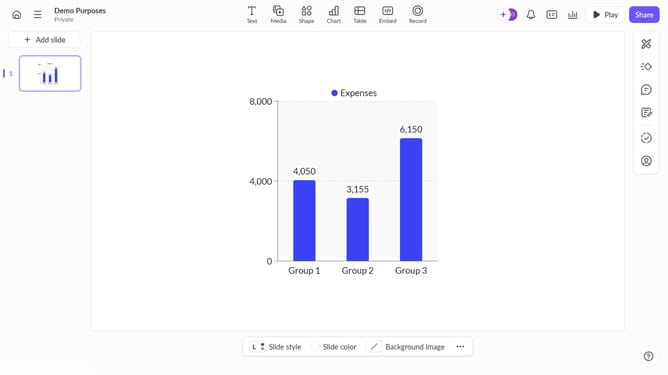
- Then click the chart you want to edit
- Next click on the "More options" button in the chart toolbar
- Finally toggle on the "Legend" option to display the chart legend
Why should you show the chart legend in Pitch
Pitch is a collaborative presentation platform designed to enhance team productivity and creativity.
One of its valuable features is the ability to display the chart legend, which is crucial for comprehending data at a glance.
Showing the chart legend in Pitch allows users to contextualize information effortlessly, ensuring everyone understands the data presented.
This feature enhances clarity and communication, making your presentations more impactful and informative while promoting seamless teamwork.
Last update