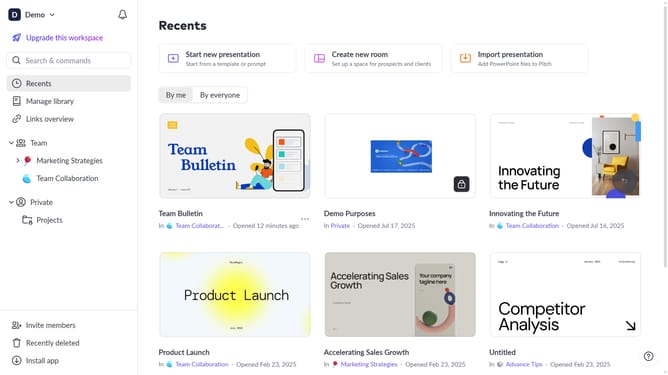
How to duplicate a room in Pitch
Here is how to duplicate a room in pitch
- First, locate the room you want to duplicate
- Next click on the three dots next to the room
- Then, select the "Duplicate" option from the dropdown menu
- A duplicate of the room will be created. You can rename and edit it as needed
Why should you duplicate a room in Pitch
Pitch is a dynamic platform designed to revolutionize how teams collaborate on presentations.
One of Pitch's standout features is the ability to duplicate a room effortlessly. This feature allows users to replicate an existing space, preserving its content, settings, and structure, which can be incredibly efficient for teams working on similar projects.
By using this feature, teams save time and maintain consistency across multiple presentations. It streamlines the workflow and ensures that no great idea is confined to just one presentation room.
Last update