How to identify a skipped slide on Pitch.com
Here is how to identify a skipped slide on pitch.com
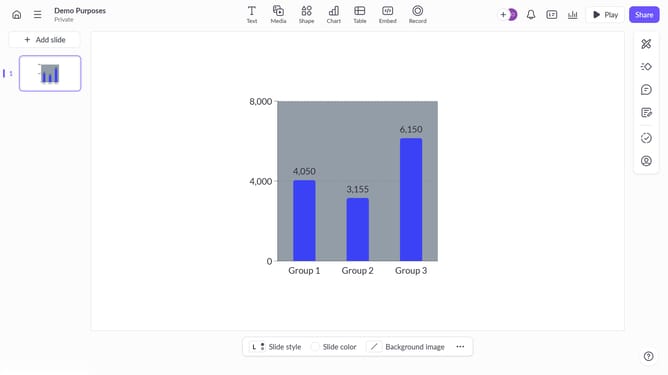
- First, open your presentation and navigate to the slide list in the sidebar
- Then, look for slides that have an eye icon with a line through it. This icon indicates that the slide is skipped and will not appear during the presentation
Why should you identify a skipped slide on Pitch.com
Pitch.com is a collaborative platform empowering teams to create stunning presentations with ease.
Identifying a skipped slide on Pitch.com is a feature that brings clarity and precision to your presentations. It ensures that no vital information is inadvertently left out during an important pitch or meeting.
Spotting missed slides is crucial for maintaining the flow and coherence of your narrative, allowing you to engage your audience effectively. This feature, therefore, enhances the overall impact of your delivery by ensuring every piece of information is included.
Last update