How to turn off the chart background in Pitch
Here is how to turn off the chart background in pitch
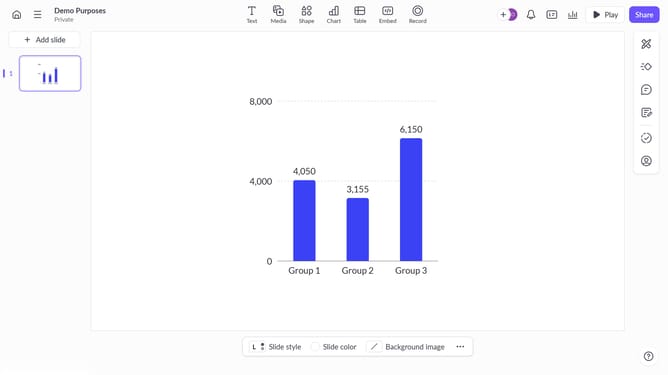
- First click on the chart area to select the graph
- Then click on the "More options" button (three dots) in the chart toolbar
- Finally toggle off the background setting to remove the chart background
Why should you turn off the chart background in Pitch
Pitch is a powerful tool designed for creating stunning presentations with ease and collaboration in mind.
The ability to turn off chart background in Pitch enhances the visual focus on your data. It offers clarity and prevents distraction by ensuring that your audience remains engaged with the primary information presented.
This feature also facilitates a cleaner, minimalist design aesthetic, which can be particularly beneficial in professional settings where simplicity is key. Not only does it streamline presentations, but it also allows for seamless integration of brand-specific visuals.
Last update