How to remove slide numbers in Pitch
Here is how to remove slide numbers in pitch
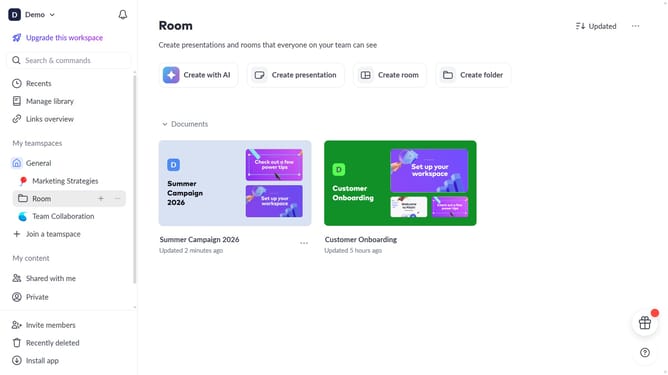
- First click the presentation that contains the slide numbers you want to remove
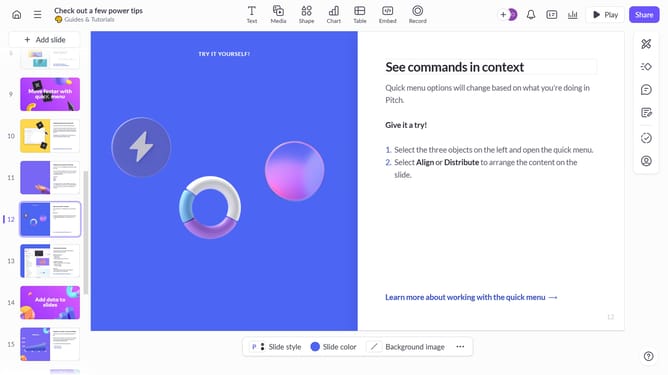
- Then click the specific slide where you want to remove the slide number
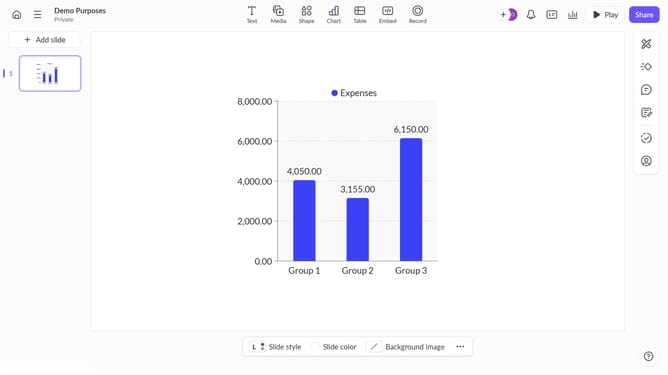
- Next click on the "Design" button in the right sidebar
- Finally toggle off the "Show slide numbers" option to remove them from all slides
Why should you remove slide numbers in Pitch
Pitch is an innovative platform designed to make presentation creation seamless and collaborative.
One of its standout features is the ability to easily remove slide numbers, which adds flexibility in presentation design.
This feature is particularly beneficial when the visual flow or narrative structure of a presentation requires a clean, uninterrupted aesthetic.
By removing slide numbers, users can focus their audience's attention on the content itself, enhancing engagement and delivering a more polished presentation experience.
Last update