How to preview a room in Pitch
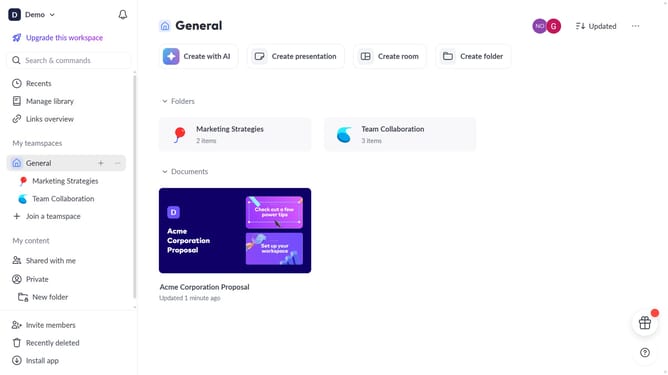
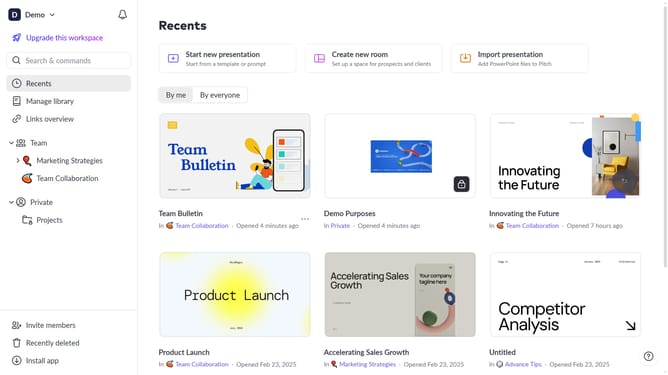
Here is how to preview a room in pitch
- First, open the room you want to preview
- Then click on the "Preview" button in the top menu
Why should you preview a room in Pitch
Pitch is a dynamic platform designed to revolutionize how you prepare and collaborate on presentations.
The "preview a room" feature in Pitch allows users to experience their presentation environment beforehand, enhancing preparation and confidence.
By visualizing the setting in advance, you can tailor your presentation content to fit seamlessly, ensuring a more engaging and effective communication.
This feature fosters a better understanding of your audience's perspective, ultimately making your delivery more impactful.
Last update