How to apply the Slide Up enter animation to a block on Pitch
Here is how to apply the slide up enter animation to a block on pitch
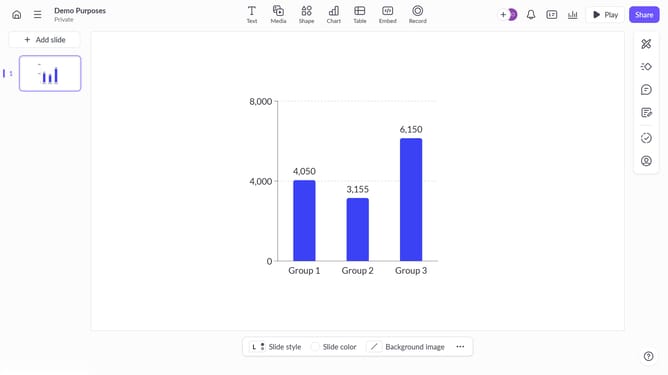
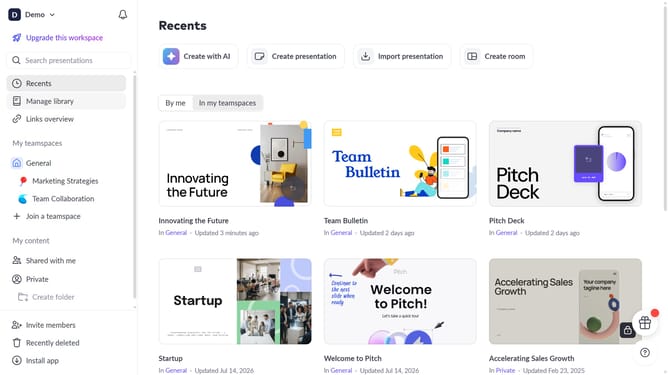
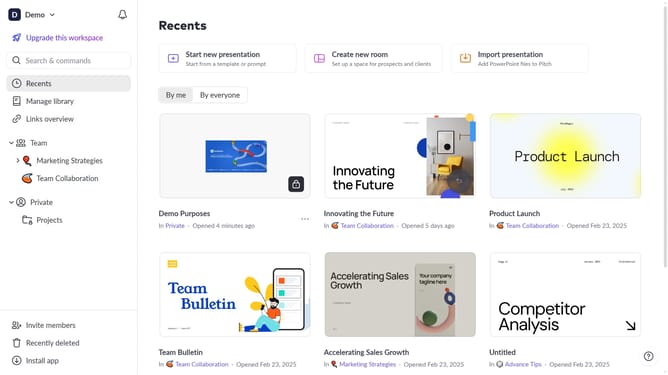
- First, open the presentation containing the block you want to animate
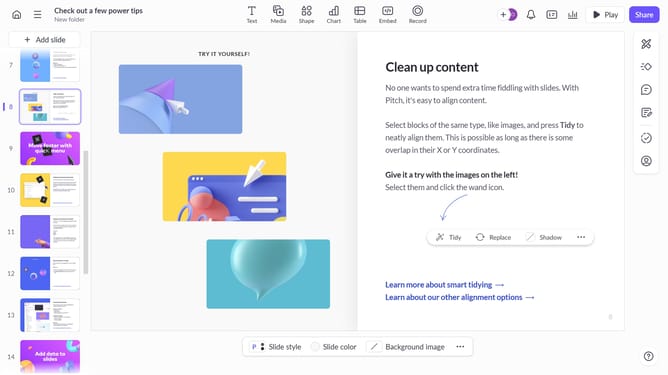
- From the left sidebar, select the slide containing the block
- Next, select the block you want to animate (such as a text block, image, shape, or other content block)
- In the right sidebar, click on the "Animate" option
- Then, select the "Enter" tab
- Finally, select "Slide up" from the available animation options
Why should you apply the Slide Up enter animation to a block on Pitch
Pitch is a dynamic presentation software designed to make team collaboration effortless and effective.
The Slide Up animation feature in Pitch allows you to add a layer of sophistication and engagement to your presentations by smoothly introducing each content block.
Implementing this animation not only captures attention but also adds a polished, professional tone to your slides.
Utilizing the Slide Up animation can significantly enhance viewer engagement, ensuring your message is delivered with clarity and impact.
Last update