How to turn off the scale axis in Pitch
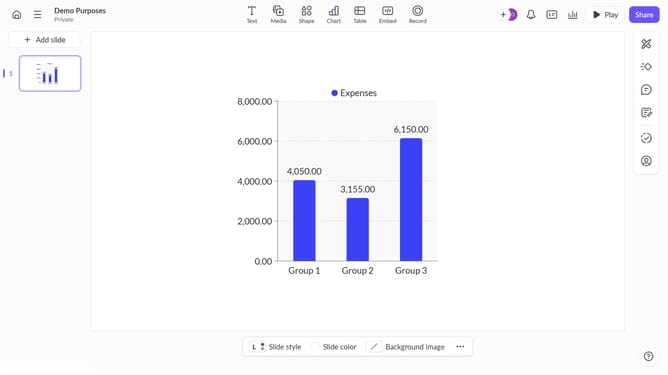
Here is how to turn off the scale axis in pitch
- First click on the chart area to begin editing it
- Then click the "..." button in the chart toolbar
- Finally toggle off the "Scale axis" option under axis settings to hide the axis
Why should you turn off the scale axis in Pitch
Pitch is an innovative presentation software designed to elegantly transform ideas into captivating visual stories.
Turning off the scale axis in Pitch is a feature that allows for a cleaner and more focused presentation.
By removing unnecessary visual clutter, your audience can concentrate on the key points, enhancing their overall experience.
This adjustment can particularly benefit those seeking to emphasize qualitative insights over quantitative data, creating a presentation that is both impactful and streamlined.
Last update