How to edit the chart legend in Pitch
Here is how to edit the chart legend in pitch
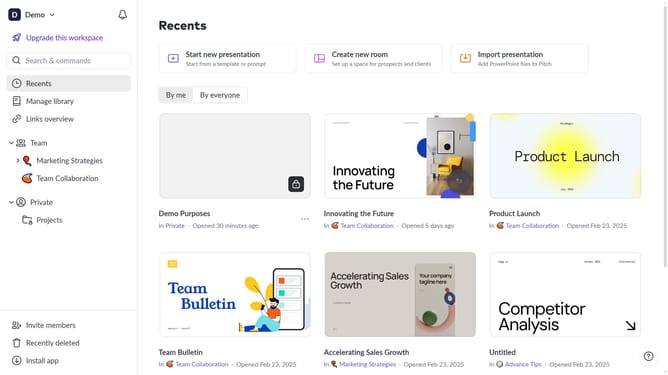
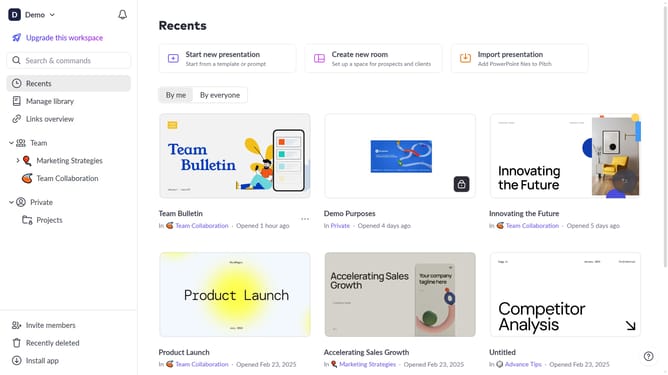
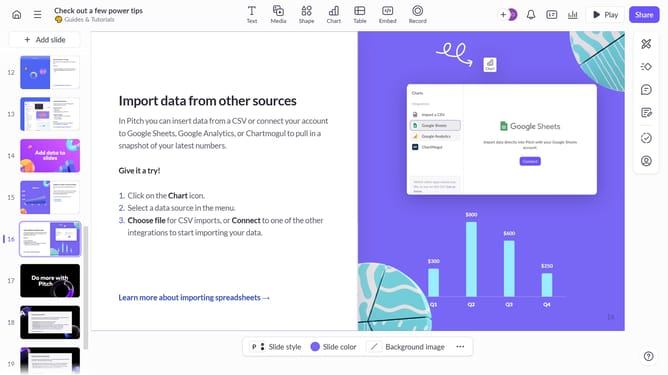
- First click the presentation that contains the chart you want to edit
- Then click the legend label above to select it
- Then use the pop-up toolbar above the data table to edit your legend labels
Why should you edit the chart legend in Pitch
Pitch is a dynamic presentation tool designed to elevate your storytelling and collaboration experience.
Editing the chart legend in Pitch is an intuitive feature that enhances the clarity of your data visualization. By customizing the legend, you ensure that your audience can quickly grasp key insights without confusion.
This capability not only refines the aesthetic appeal of your presentation but also strengthens the communication of complex data, making your message more impactful and memorable.
Last update