How to create a multi-line chart in Pitch
Here is how to create a multi-line chart in pitch
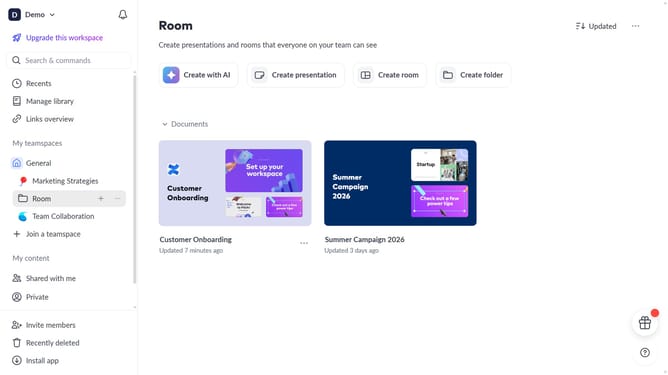
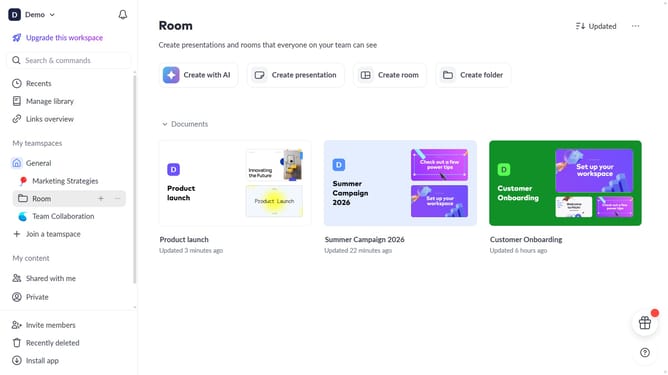
- First click the presentation you want to add a chart
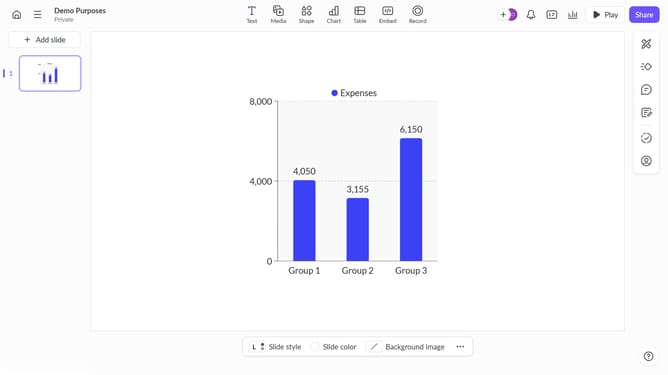
- Then click on the "Chart" icon in the top toolbar
- Next select the multi-line chart type from the "Column & bar charts" section
- Finally customize the chart's colors, labels, and layout as needed
Why should you create a multi-line chart in Pitch
Pitch is a streamlined platform designed to empower teams by simplifying the creation and sharing of beautiful presentations.
Creating a multi-line chart in Pitch enriches your presentation by allowing a comprehensive view of multiple data sets, making it easier to identify trends and correlations. This feature is particularly useful when you need to demonstrate relationships between different variables over time.
Using a multi-line chart enhances clarity and enables your audience to quickly grasp complex information, fostering better decision-making and understanding.
Additionally, it aids in presenting data-driven insights in an engaging manner, keeping the audience attentive and informed.
Last update