How to unlock image position in Pitch
Here is how to unlock image position in pitch
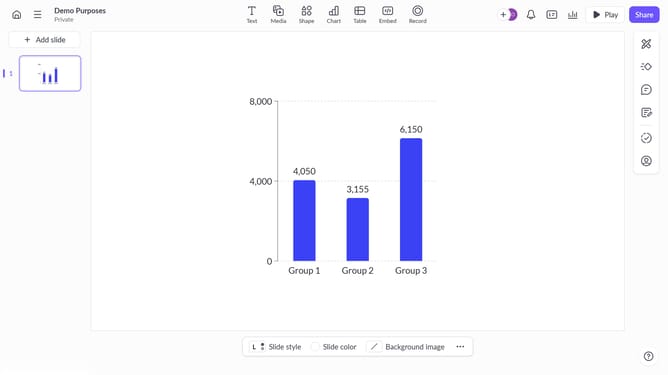
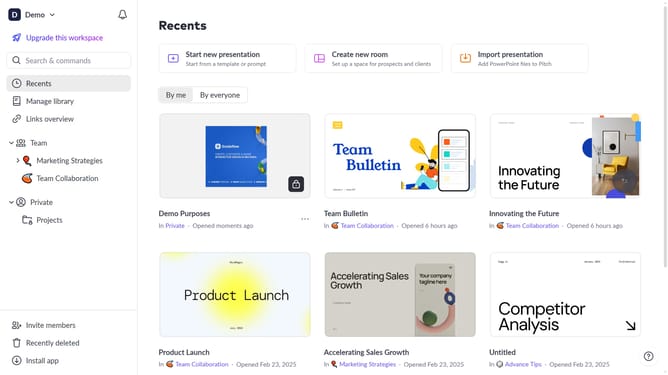
- First click the presentation that contains the image you want to unlock
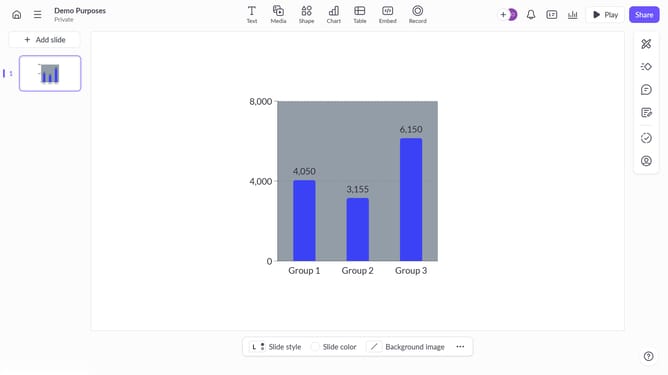
- Then click the image on the slide to select it
- Next click the "More options" button in the image toolbar
- Finally toggle off the "Lock position" option in the right sidebar to allow moving or resizing the image
Why should you unlock image position in Pitch
Pitch is an innovative platform designed to elevate your presentation experience through seamless collaboration and design flexibility.
Unlocking image position in Pitch offers you the freedom to precisely align visuals within your slides. This feature allows for unparalleled creativity and ensures your content appears exactly as intended.
By enhancing control over image placement, you can create presentations that are not only informative but visually compelling, keeping your audience engaged and impressed.
Last update