How to search for workspace members in Pitch
Here is how to search for workspace members in pitch
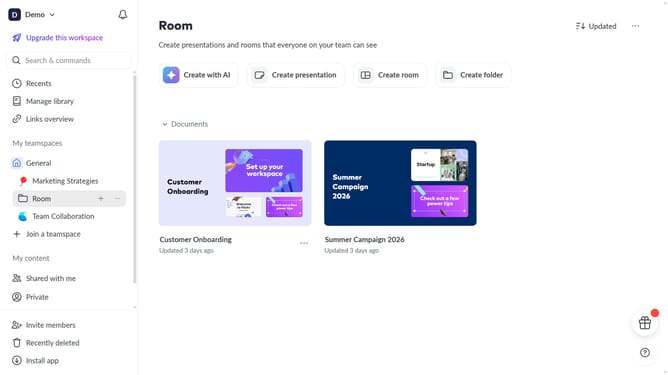
- First click on the downwards arrow next to your workspace name in the header
- Next, click on the "Members" option in the expanded workspace menu
- Then click on the search bar and enter the name or email address of the workspace member you want to find
Why should you search for workspace members in Pitch
Pitch is a collaborative platform designed to revolutionize the way teams create stunning presentations together.
The ability to search for workspace members in Pitch seamlessly enhances team connectivity and collaboration. This feature allows users to quickly locate colleagues, facilitating effortless communication and coordination among team members.
Utilizing the search functionality not only boosts efficiency but also ensures that everyone stays in sync, fostering a more productive and cohesive work environment.
By streamlining access to team members, Pitch simplifies the process of leveraging collective expertise, ultimately driving project success.
Last update