How to use AI to enhance image resolution on Pitch
Here is how to use ai to enhance image resolution on pitch
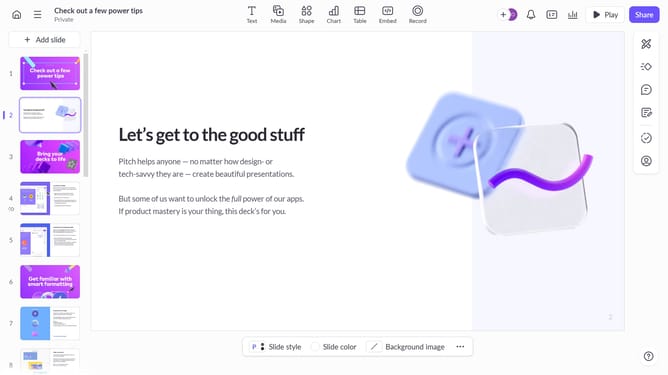
- First, open the presentation containing the image you want to edit
- Select the slide containing the image from the left sidebar
- Next, click on the image to select it
- After that, click on "Edit with AI" in the toolbar that appears
- Then, select "Enhance image resolution" from the AI actions menu
Why should you use AI to enhance image resolution on Pitch
Pitch is a dynamic platform designed to streamline collaborative presentation creation.
Using AI on Pitch allows for seamless enhancement of image resolution, making every visual element sharper and more impactful.
The feature leverages advanced algorithms to automatically refine image details, providing clarity and professional quality to your presentations.
With improved image resolution, presentations not only look more polished, but also engage audiences effectively, elevating meetings and storytelling alike.
Last update