How to change the animation of a block on Pitch
Here is how to change the animation of a block on pitch
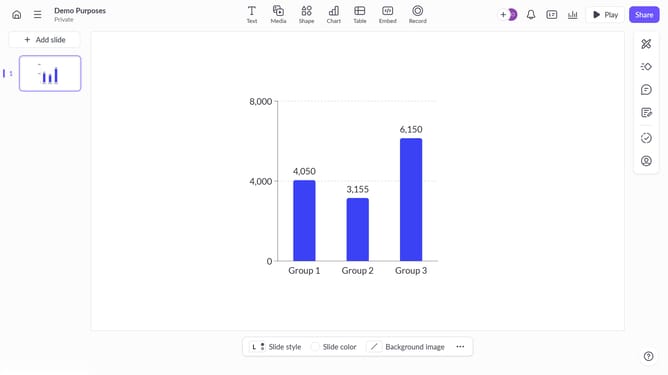
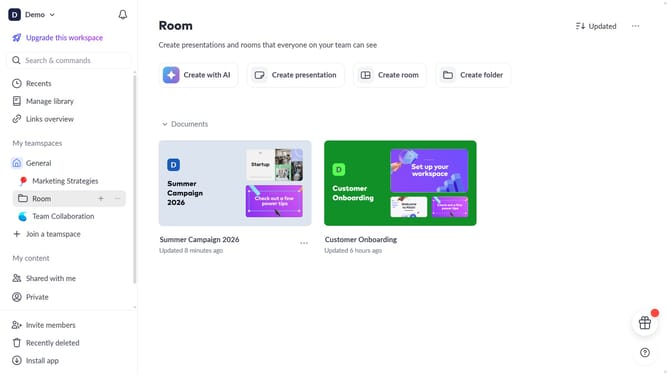
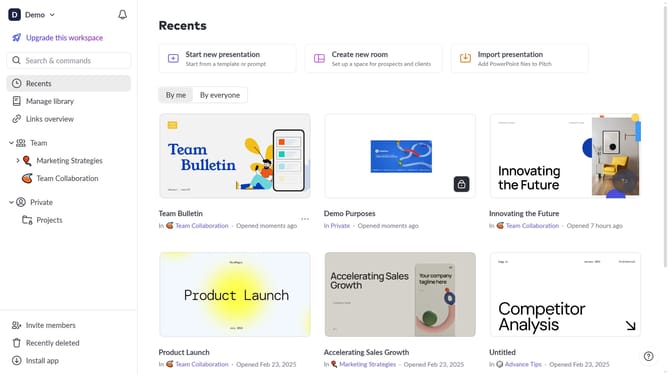
- First, open the presentation containing the animated block you want to edit
- Select the slide containing the block from the left sidebar
- Next, click on the animated block to select it
- In the right sidebar, click on the "Animate" option
- Then select the "Enter" or "Exit" tab depending on the animation you want to change
- Finally, select a new animation from the available options
Why should you change the animation of a block on Pitch
Pitch is an innovative presentation platform designed to simplify and enhance the way you convey your ideas.
Changing the animation of a block in Pitch allows you to tailor your presentation's flow, ensuring each slide resonates with your audience.
Utilizing this feature can make your story more dynamic, capturing attention and making complex data more digestible.
The ability to modify animations also provides you with the flexibility to align your presentation's pace with your narrative rhythm.
Last update