How to hide the chart legend on Pitch
Here is how to hide the chart legend on pitch
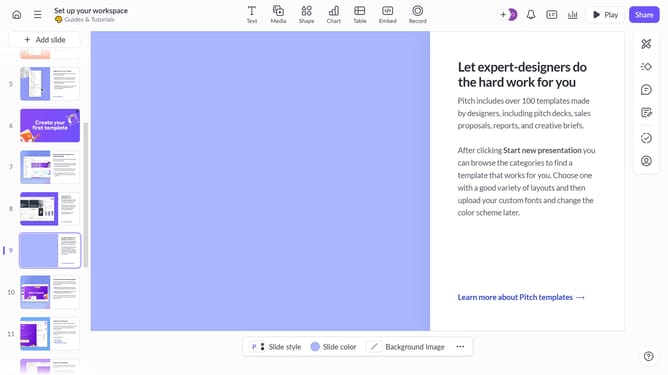
- First, open the presentation containing the chart you want to edit
- Select the slide containing the chart in the slide navigator
- Next, click on the chart to select it
- After that, click on "More options" in the toolbar that appears
- Then locate the "Legend" option in the right-hand panel
- Finally, toggle off the switch next to "Legend" to hide it
Why should you hide the chart legend on Pitch
Pitch is a collaborative presentation software designed to enhance creativity and streamline teamwork.
In Pitch, you have the flexibility to hide the chart legend, which can declutter your presentation slides for increased focus and clarity.
This feature is particularly beneficial when the legend's information is either self-explanatory or redundant, allowing your audience to concentrate fully on the data that's truly pivotal.
By simplifying the visual elements in your presentation, you ensure that your message remains direct and impactful, making your storytelling more engaging.
Last update