How to create a line chart in Pitch
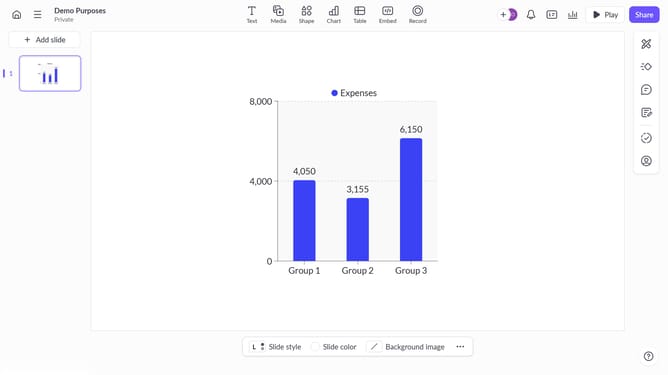
Here is how to create a line chart in pitch
- First click the presentation you want to add a chart
- Then click on the "Chart" icon in the top toolbar
- Next select the line chart type from the "Column & bar charts" section
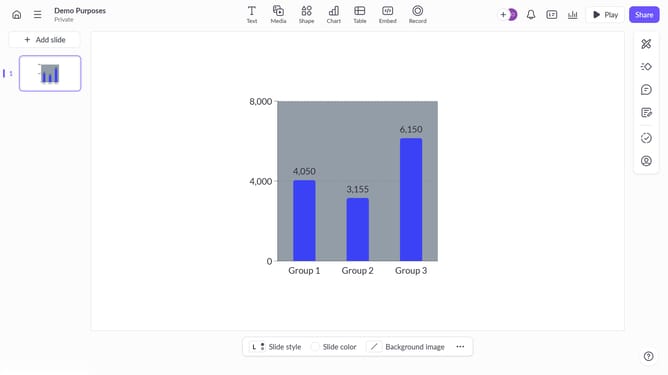
- Finally customize the chart's colors, labels, and layout as needed
Why should you create a line chart in Pitch
Pitch is a cutting-edge presentation tool that streamlines the process of creating visually engaging presentations.
One standout feature is the ability to effortlessly create line charts. These charts help in visualizing trends over time, enabling clearer data interpretation and better storytelling. Creating a line chart in Pitch is intuitive and enhances the effectiveness of your presentations.
By incorporating line charts, presenters can leverage data insights to drive compelling narratives and make informed decisions. Overall, the feature aids in transforming complex data into easily digestible visuals, making your presentations both informative and visually appealing.
Last update