How to export slides as PDF in Pitch
Here is how to export slides as pdf in pitch
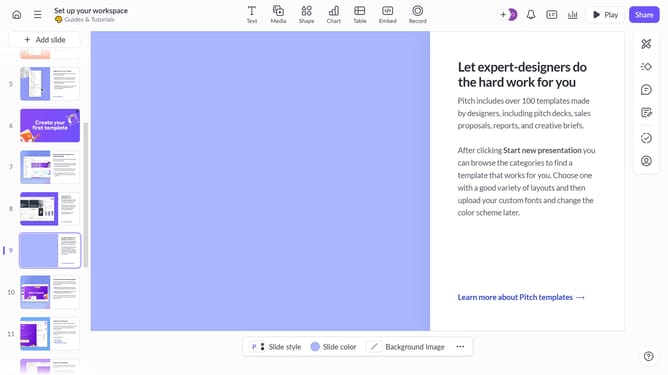
- First open the presentation you want to export
- Then click the "Share" button in the top-right corner of the screen
- Then click on the "Export" tab in the share dialog window
- Finally click the "Export presentation" button at the bottom of the export options dialog
Why should you export slides as PDF in Pitch
Pitch is a dynamic presentation tool designed to enhance collaboration and creativity.
One of its standout features is the ability to export slides as a PDF effortlessly.
This feature ensures your presentations are easily shareable and viewable across various platforms, maintaining formatting integrity.
Using this feature lets you quickly distribute professional-looking presentations in a universally accessible format, making collaboration seamless and straightforward.
Last update