How to delete a template on Pitch
Here is how to delete a template on pitch
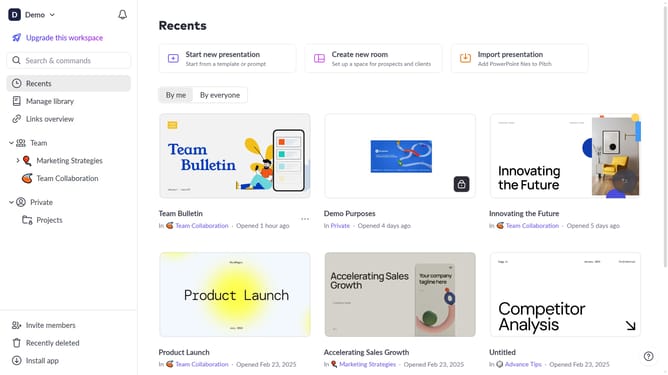
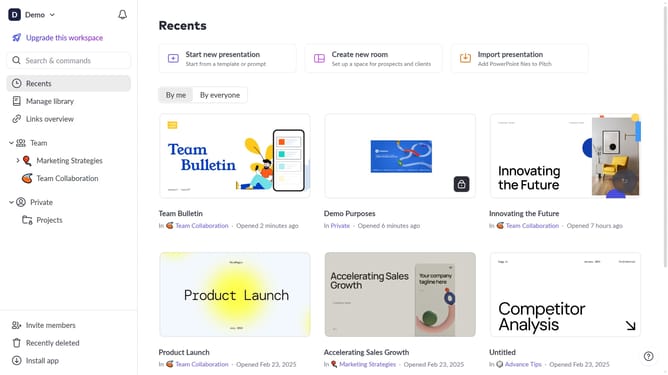
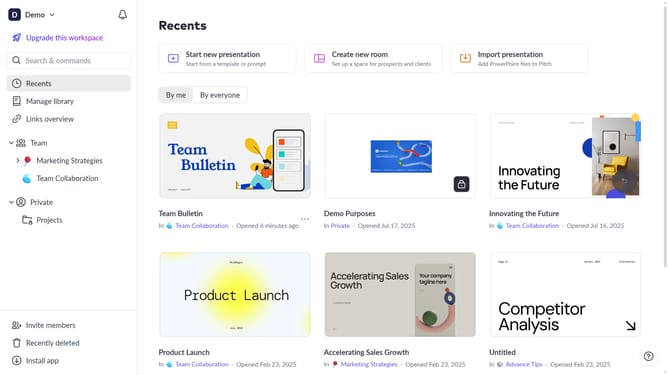
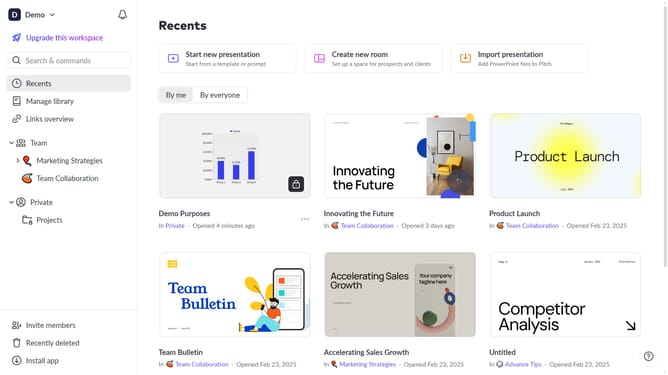
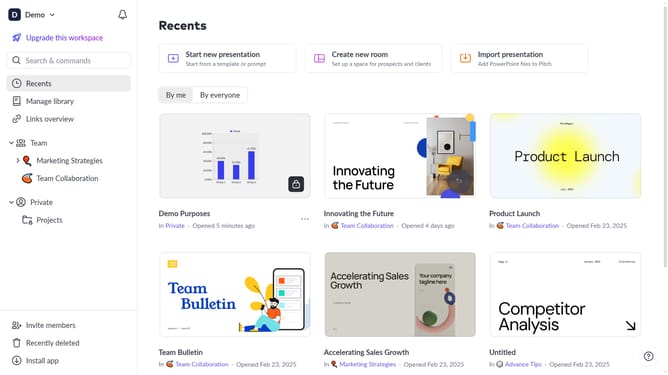
- First click on the "Manage library" from the dashboard
- Next, click on "Templates" in the sidebar
- Locate the template you want to delete
- Then hover over the template and click the "Options" button (three dots)
- From the dropdown menu, select "Delete"
- Finally click on the "Delete" button to confirm
Why should you delete a template on Pitch
Pitch is a dynamic platform designed to effortlessly create stunning presentations.
One notable feature is the ability to delete a template on Pitch, ensuring users can maintain a fresh and relevant repository of templates tailored to their needs.
Clearing out unused templates not only declutters your workspace but also streamlines the creative process, allowing for greater focus on current projects.
Overall, having control over template management boosts productivity and ensures your creative resources stay pertinent and organized.
Last update