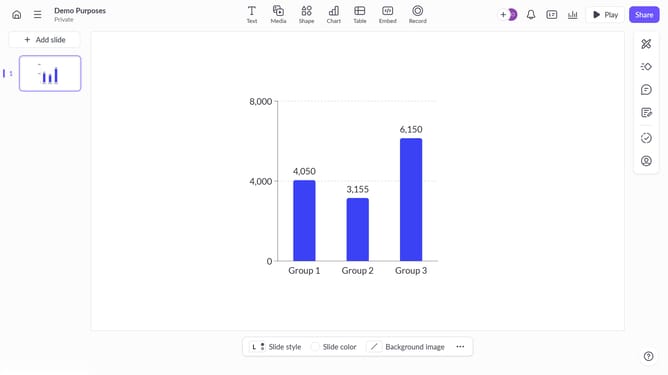
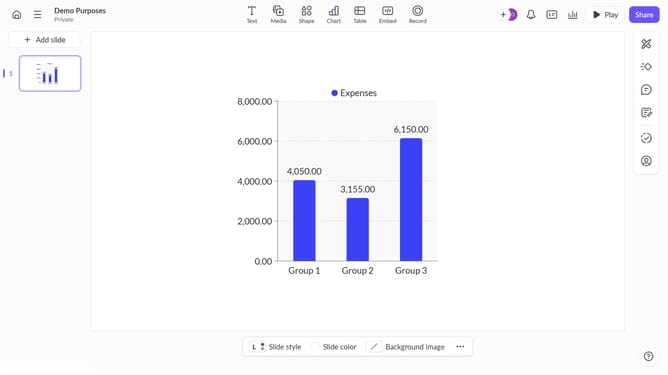
How to edit and style text in groups on Pitch.com
Here is how to edit and style text in groups on pitch.com
- First, click on the group to select it
- Then, double-click on the text within the group that you want to edit
- Next, rewrite the text
- Use the toolbar to change the text's style
- Click on text color and select your desire color in the color palette
- You can adjust the font size as needed
- For advanced editing, click on "More options" (three dots) to open the design panel
- In the design panel, you can refine alignment, apply filters, adjust transparency, and more
- Finally, when you're done editing, click outside the group to finalize the changes
Why should you edit and style text in groups on Pitch.com
Pitch is a collaborative presentation software designed to make teamwork in creating presentations seamless and enjoyable.
Within Pitch.com, editing and styling text in groups becomes an intuitive experience that enhances productivity. By allowing users to manipulate entire text groups at once, it saves time and ensures consistency across slides.
This feature is particularly beneficial for teams seeking to maintain a unified design language, ensuring presentations are both polished and professional with minimal effort. With streamlined text editing at your fingertips, focusing on impactful content creation becomes more efficient and engaging.
Last update