How to apply a filter to an image on Pitch
Here is how to apply a filter to an image on pitch
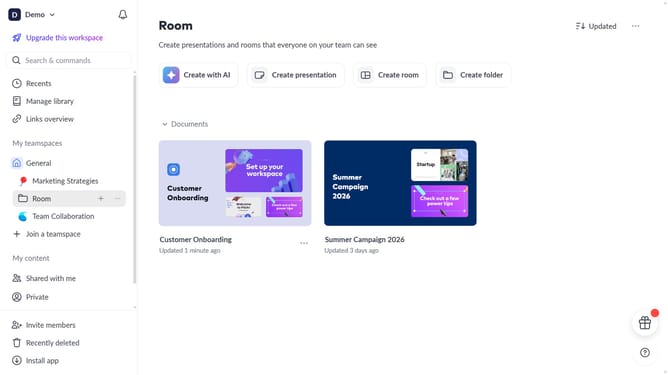
- First, open the presentation you want to edit
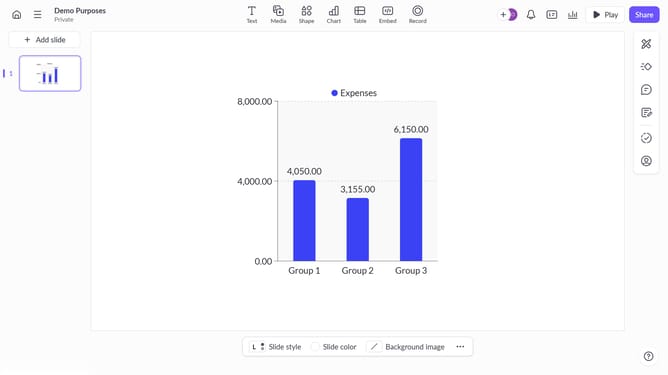
- From the left sidebar, select the slide containing the image
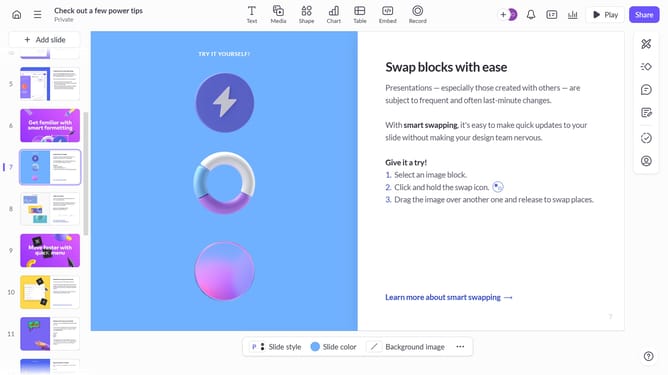
- Next select the image you want to apply a filter to
- After that, click on "Design" to open the right sidebar
- Then, locate the "Filter" option in the right sidebar
- Finally select the filter you want to apply to the image in the filter list
Why should you How to apply a filter to an image on Pitch
Pitch is a dynamic platform designed to revolutionize collaborative presentations.
Applying a filter to an image on Pitch is intuitive and seamless, enhancing visual communication effortlessly. By adding filters, users can transform ordinary visuals into compelling, impactful images that convey their intended message more effectively.
This feature not only enhances the aesthetic appeal of your presentation but also helps to maintain a consistent visual theme, ensuring your content is both engaging and professional within the collaborative framework.
Last update