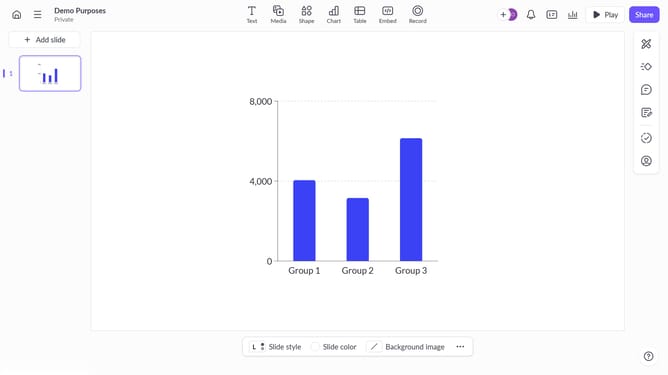
How to show whole numbers in the chart in Pitch
Here is how to show whole numbers in the chart in pitch
- First click the presentation that contains the chart you want to edit
- Then click the chart to begin editing
- Next click the "Edit data" button in the chart toolbar
- Then click on the "Format" dropdown in the edit data panel
- After that click the format type dropdown
- Next click the "Number" option in the format type dropdown
- Then click the decimal places dropdown
- Next click the "None" option in the decimal places dropdown
- Finally click the "Done" button in the chart toolbar to save the changes
Why should you show whole numbers in the chart in Pitch
Pitch is a dynamic presentation tool designed to transform how teams create, collaborate, and share presentations.
Displaying whole numbers in Pitch charts enhances clarity and comprehension, ensuring your audience easily grasps key data insights. By using whole numbers, you simplify complex information, making your charts more intuitive and effective.
This feature is particularly beneficial when presenting to diverse audiences, as it maintains focus on the data without overwhelming viewers with unnecessary detail.
Embracing this approach can streamline your presentations, allowing for more impactful delivery and improved engagement with your audience.
Last update