How to search for a workspace member by email in Pitch
Here is how to search for a workspace member by email in pitch
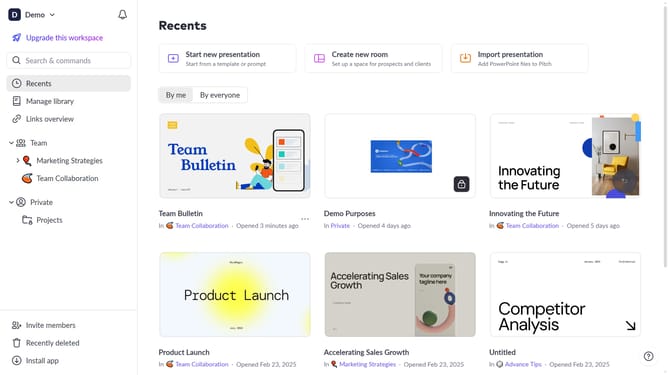
- First click on the downwards arrow next to your workspace name in the header
- Next, click on the "Members" option in the expanded workspace menu
- Then click on the search bar and enter the email address of the workspace member you want to find
- The workspace members list will display members matching the entered name
Why should you search for a workspace member by email in Pitch
Pitch is a dynamic platform designed to empower collaborative presentation creation seamlessly.
One of Pitch’s standout features is its efficient member search by email function within a workspace. This allows users to quickly connect with colleagues, enhancing team synergy.
By utilizing this feature, you ensure streamlined communication, effortlessly finding team members and fostering a more cohesive working environment. Enjoy the convenience of swift member access, boosting productivity and focus on creating impactful presentations.
Last update