How to add web links to notes in Pitch
Here is how to add web links to notes in pitch
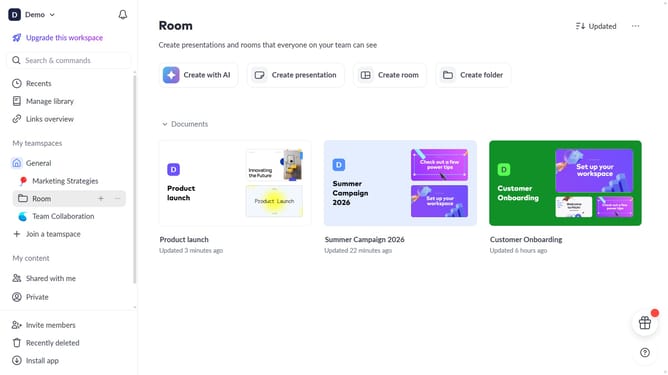
- First click the presentation you want to open
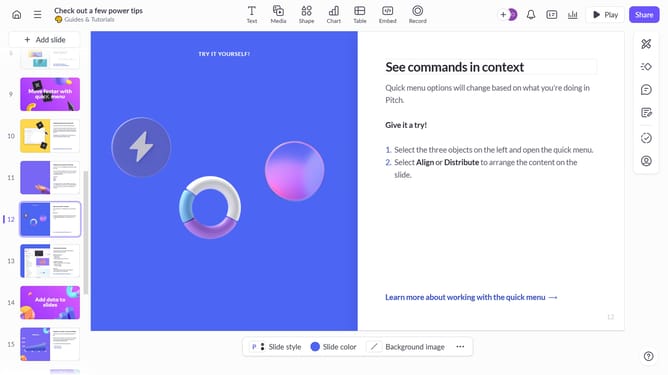
- Select the slide where you want to add a link in the speaker notes
- Click the "Notes" icon at the bottom of the slide editor to open the notes panel
- Highlight the text in the notes where you want the link
- Click the "Link" icon in the formatting toolbar
- Then type or paste your URL into the dialog box
- Finally click outside the panel to save the link automatically
Why should you add web links to notes in Pitch
Pitch is a dynamic presentation software designed to enhance collaboration and creativity.
Adding web links to notes in Pitch allows users to enrich their presentations with external resources, creating a seamless blend of information. This feature enables users to quickly reference relevant websites, articles, or tools without cluttering their slides.
Moreover, integrating web links into your notes enhances the overall engagement of your audience, providing them with avenues for further exploration and deeper understanding. This streamlined approach to information sharing not only increases interactivity but also fosters an enriched learning environment.
Last update