How to disable automatic subscriptions to presentations on Pitch
Here is how to disable automatic subscriptions to presentations on pitch
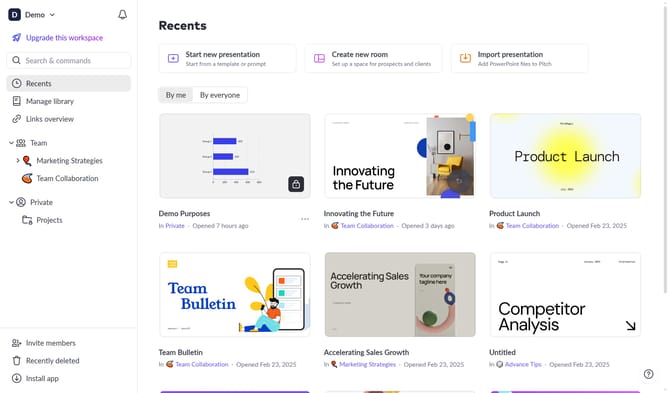
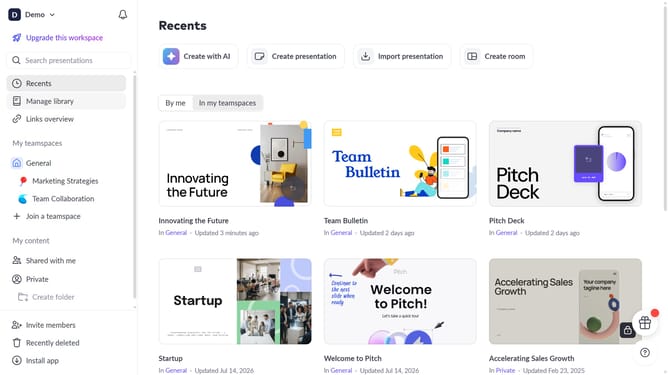
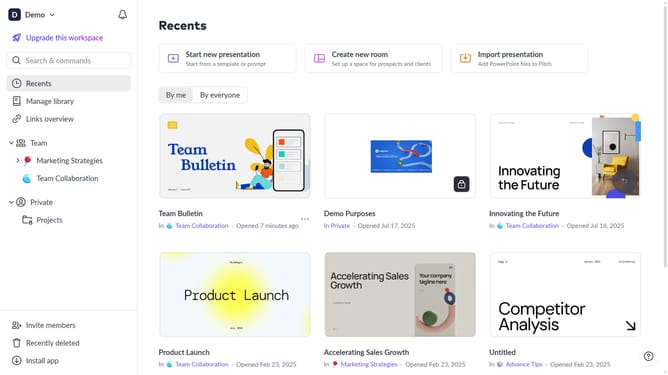
- First click on the dropdown next to your workspace name in the header
- Next, select "Account settings" in the expanded workspace menu
- Then, click on the arrow next to "Notifications"
- Finally, turn off the toggle for "Presentation subscriptions "
Why should you disable automatic subscriptions to presentations on Pitch
Pitch is an innovative platform that empowers teams to create stunning presentations effortlessly.
A noteworthy feature of Pitch is the ability to disable automatic subscriptions to presentations, offering users greater control over their notifications and focus.
This feature helps streamline your workflow by reducing unwanted alerts, leading to a more concentrated and productive work environment.
By selectively choosing which presentations to follow, you can ensure that your attention is directed only towards the most relevant projects for your team.
Last update