How to edit an image with AI on Pitch
Here is how to edit an image with ai on pitch
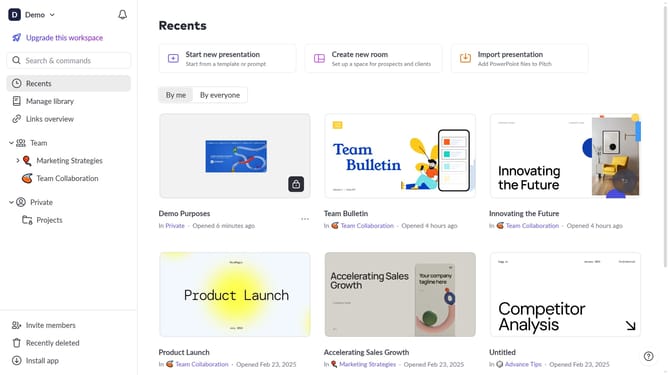
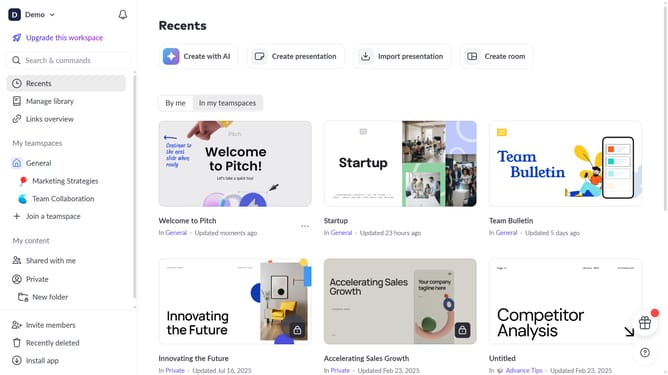
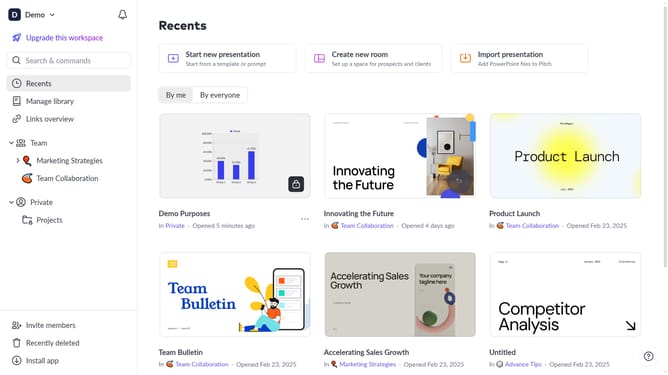
- First, open the presentation containing the image you want to edit
- Next, select the slide containing the image from the left sidebar
- Then, click on the image to select it
- After that, click on "Edit with AI" in the toolbar that appears
- Finally, select the action you want AI to perform on the image
Why should you edit an image with AI on Pitch
Pitch is a dynamic platform designed to make creating impactful presentations intuitive and collaborative.
One of its standout features is the ability to edit images using AI, which allows users to enhance visuals effortlessly. This feature harnesses advanced algorithms to automatically optimize images, making them more vibrant and aligned with the presentation's theme.
Utilizing AI for image editing on Pitch not only saves time but elevates the overall quality of your presentations. It ensures consistency across slides and helps in effectively communicating your message through high-quality visuals.
With Pitch's AI-powered image editing, transforming your presentations becomes a seamless and rewarding experience.
Last update