How to justify text in Pitch
Here is how to justify text in pitch
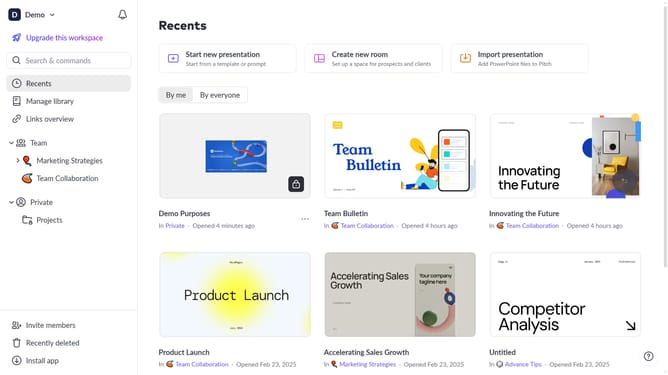
- First, open the presentation containing the text you want to edit
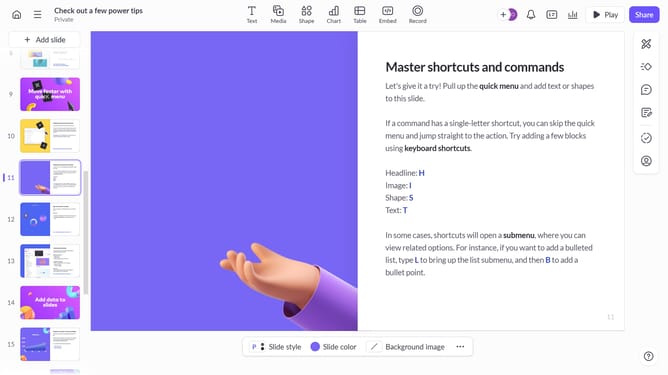
- From the left sidebar, select the slide containing the text
- Next, click on the text block to select it
- Click on the "More options" button in the toolbar that appears
- Locate the "Text alignment" option in the right sidebar
- Then, select the "Justify text" option
Why should you justify text in Pitch
Pitch is a dynamic platform designed to streamline the creation and sharing of stunning presentations.
Justifying text in Pitch ensures your content is perfectly aligned, creating a clean and professional look.
This feature enhances readability and gives your presentation a polished, cohesive appearance, making it more appealing and engaging to your audience.
With justified text, every slide stands out with balance and symmetry, effectively conveying your message with maximum impact.
Last update