How to position a sticker on your slide on Pitch.com
Here is how to position a sticker on your slide on pitch.com
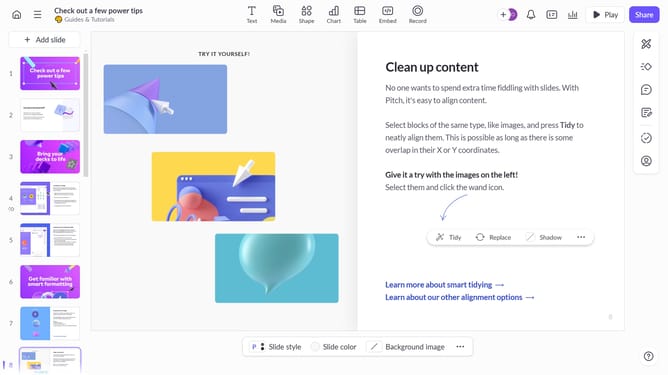
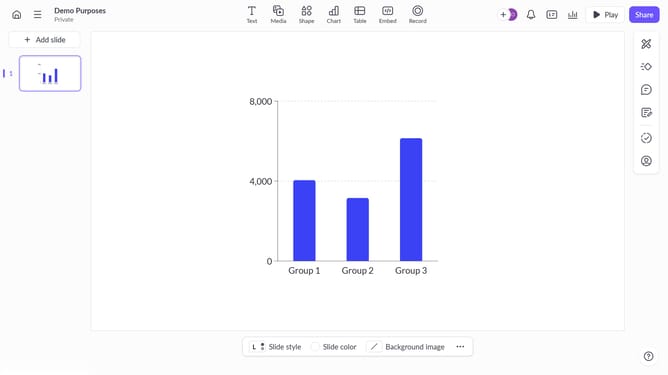
- First, navigate to the slide where you want to add a sticker and click on the "Media" button in the toolbar
- Then click on "Stickers" in the left sidebar menu
- Next, select the sticker you want by clicking on it
- The sticker will appear on your slide and click and drag it to the desired position
- Click on "Replace" to swap the sticker with a new one if needed
- To resize the sticker, click and drag the corners to adjust its size
- Finally, click outside the sticker to place it in position and save the changes
Why should you position a sticker on your slide on Pitch.com
Pitch is a dynamic platform designed to streamline collaborative presentation development with ease and creativity.
One of the standout features is the ability to position stickers on your slides, providing a playful yet purposeful way to enhance your message.
Using stickers can make your presentations more visually appealing, helping emphasize key points and engage your audience effectively.
By creatively positioning these stickers, you can transform a standard slide into an engrossing visual experience, making your content memorable.
Last update