How to apply a Medium font style to text in Pitch
Here is how to apply a medium font style to text in pitch
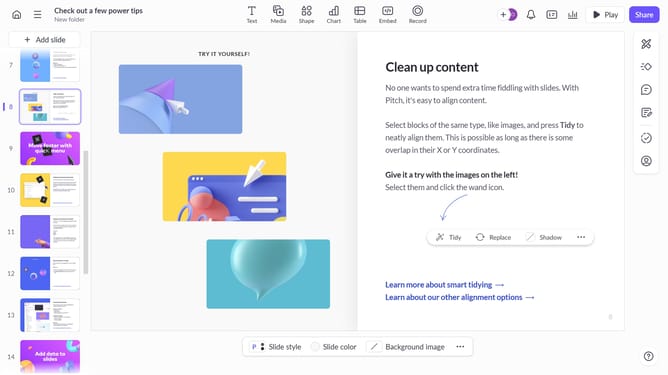
- First, open the presentation containing the text block you want to edit
- From the left sidebar, select the slide containing the text
- Next, click on the text block to select it
- Click on the "More options" button in the toolbar that appears
- After that, locate the "Font" option in the right sidebar
- Then click on the "Font style" dropdown
- Finally, select "Medium" from the Font style dropdown
Why should you apply a Medium font style to text in Pitch
Pitch is a dynamic platform designed to facilitate collaborative presentations, making your ideas come alive with style and clarity.
One inviting feature of Pitch is its ability to apply a Medium font style to text across presentations.
Using the Medium font style not only enhances readability but also brings a balanced, professional look to your projects.
This font choice provides clarity and consistency, helpful for maintaining focus and engagement among viewers, elevating the effectiveness and appeal of your collaborative presentations.
Last update