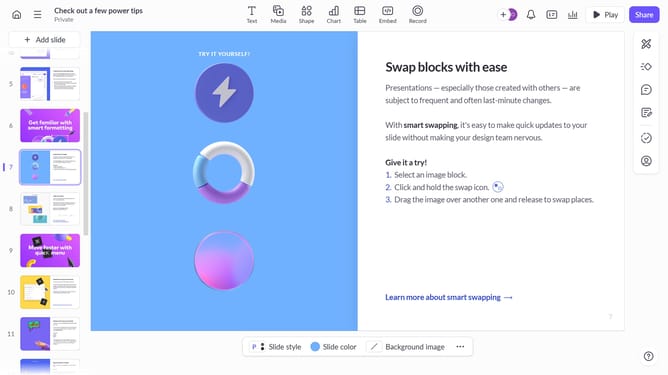
How to apply the Noir filter to an image on Pitch
Here is how to apply the noir filter to an image on pitch
- First, open the presentation you want to edit
- From the left sidebar, select the slide containing the image
- Next select the image you want to apply the filter to
- After that, click on "Design" to open the right sidebar
- Then, locate the "Filter" option in the right sidebar
- Finally, select "Noir" from the filter list
Why should you How to apply the Noir filter to an image on Pitch
Pitch is a dynamic platform designed to enhance and streamline presentations.
Applying the Noir filter to images on Pitch brings a sleek, timeless aesthetic to your slides.
This feature adds depth and drama, making visuals stand out and captivate the audience's attention.
Incorporating Noir not only enhances the artistic appeal but also provides a cohesive visual theme that can emphasize key elements of your presentation.
Last update