How to use smart grouping on Pitch.com
Here is how to use smart grouping on pitch.com
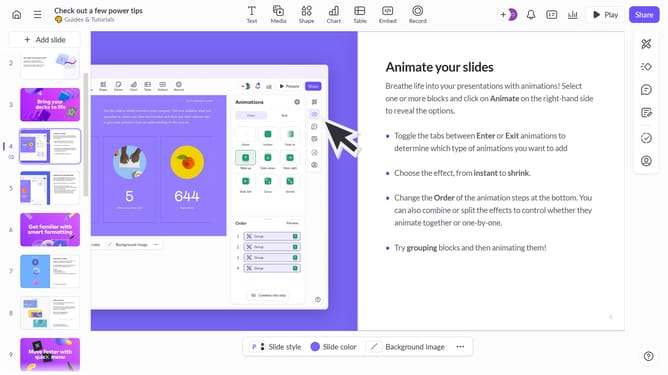
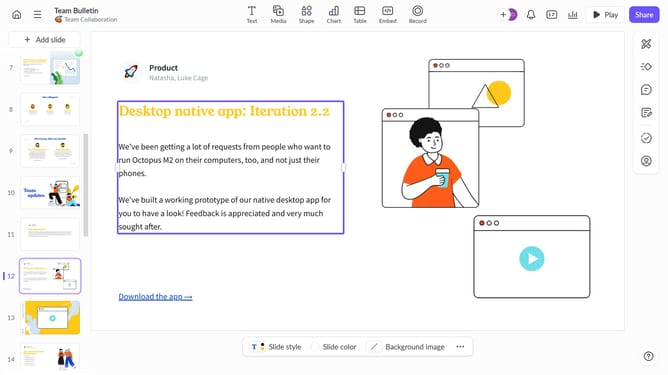
- First, open your presentation and navigate to the slide with the elements you want to group
- Then, click to select the objects you want to group together
- Next, right-click on the selected objects and click on the "Group" option in the context menu or use the shortcut "Ctrl + G"
- To adjust or move the group, click on any element in the group
- Then drag the whole group to the desired position
- You’ve successfully used smart grouping, and the objects will now stay together
Why should you use smart grouping on Pitch.com
Pitch.com is a dynamic platform designed to revolutionize the way teams create and share presentations.
One of the standout features of Pitch is its Smart Grouping tool, which enhances collaboration by helping users organize content efficiently. This feature allows users to categorize and regroup slides based on themes or criteria that best suit their needs.
Utilizing Smart Grouping ensures that presentations are not only coherent but also easy to navigate, saving time and reducing the hassle associated with rearranging slides. It promotes a streamlined workflow, making it easier for teams to focus on delivering impactful messages.
By harnessing this feature, teams can boost productivity and maintain a high level of consistency, ensuring their presentations are both engaging and professional.