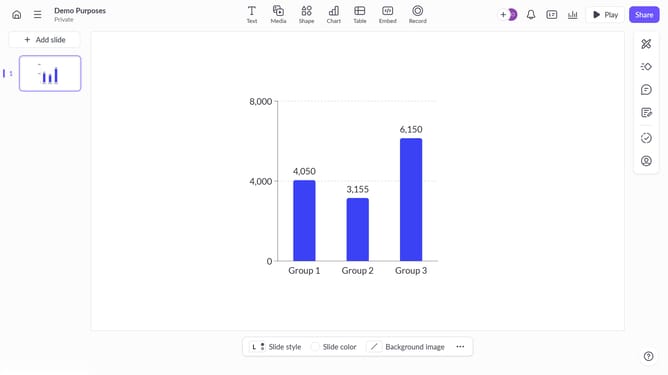
How to remove a data series to a chart in Pitch
Here is how to remove a data series to a chart in pitch
- First click the presentation that contains the chart you want to edit
- Then click the chart to open the data panel
- In the top toolbar click the "Edit data" button
- Finally delete the label and values for that series
Why should you remove a data series to a chart in Pitch
Pitch is a versatile platform designed to streamline the creation of visually appealing presentations.
One of its noteworthy features is the capability to remove a data series from a chart effortlessly. By simplifying chart information, users can focus their audience's attention on the most relevant data.
This feature is particularly beneficial when updates or changes are necessary, ensuring presentations remain accurate and efficiently communicate key insights without unnecessary clutter.
Utilizing this function not only enhances clarity but also supports a more engaging storytelling experience.
Last update