How to change number formatting of the chart in Pitch
Here is how to change number formatting of the chart in pitch
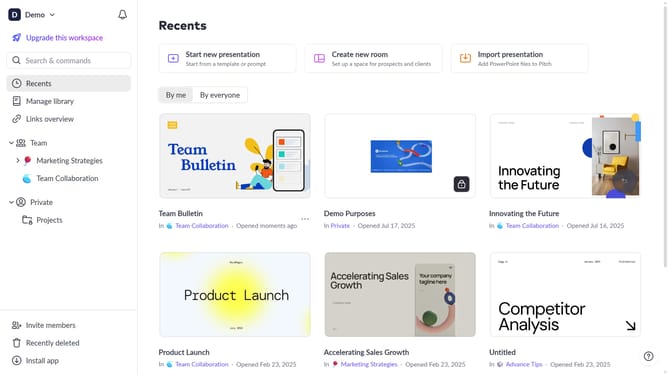
- First click the presentation that contains the chart you want to format
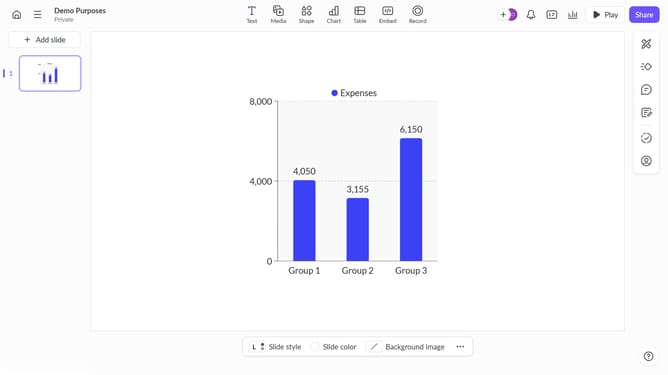
- Then click the chart to begin editing
- Next click on the "Edit data" button in the chart toolbar
- Then click on the "Format" dropdown in the edit data panel
- Next click the "Format" dropdown to choose a number style
- Next choose the desired format option from the dropdown menu
- Finally click the "Done" button to apply the changes
Why should you change number formatting of the chart in Pitch
Pitch is a dynamic presentation platform designed to enhance storytelling through beautiful, data-driven narratives.
Changing the number formatting of charts in Pitch can transform your data into the most accessible form for your audience. This feature lets you tailor numerical displays, making them clearer and more aligned with your presentation style.
Utilizing customized formatting optimizes comprehension and ensures your data communicates as effectively as possible. This versatility adds a layer of professionalism and precision to any presentation, enhancing overall impact.
Last update