How to delete a slide in Pitch
Here is how to delete a slide in pitch
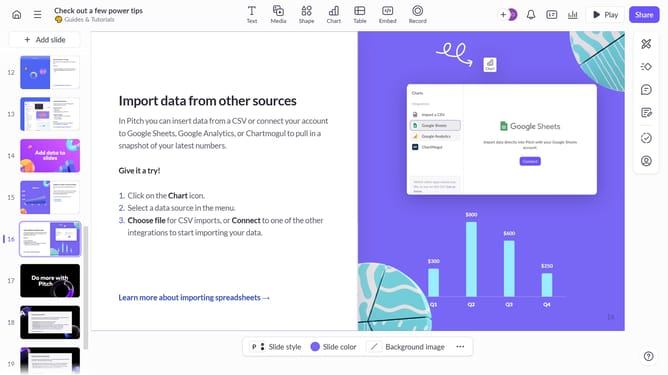
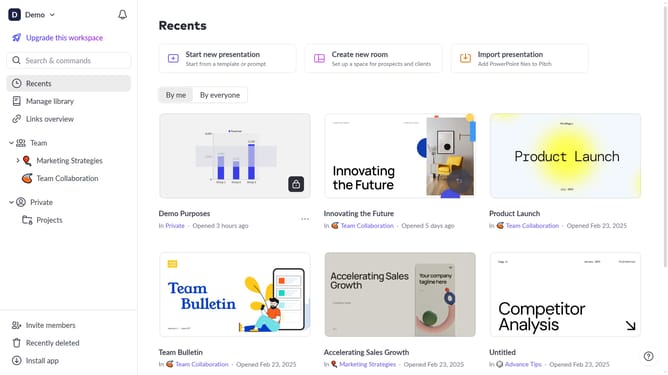
- First click the presentation that contains the slide you want to delete
- Then right-click the slide you want to delete from the slide list in the left sidebar
- Finally click the "Delete" option from the context menu to remove the slide
Why should you delete a slide in Pitch
Pitch is a dynamic platform designed to streamline and enhance collaborative presentations.
Deleting a slide in Pitch is intuitive, ensuring a clean and concise presentation.
This feature is invaluable for quickly removing outdated or unnecessary content, allowing for seamless updates and efficient presentation management.
By keeping your presentation succinct, you optimize audience engagement and communication clarity.
Last update