How to apply the Slide Left enter animation to a block on Pitch
Here is how to apply the slide left enter animation to a block on pitch
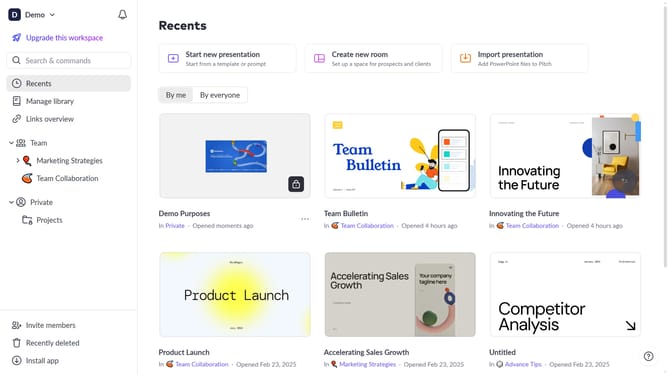
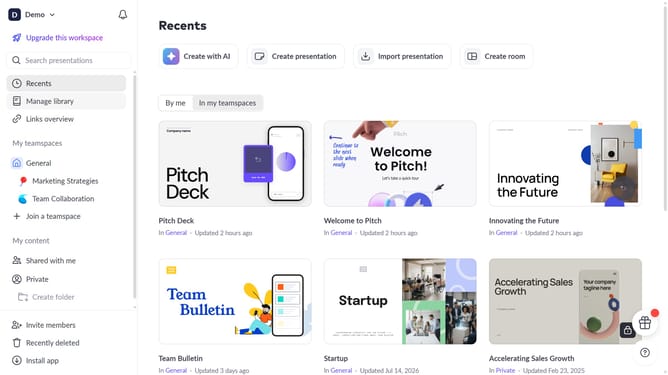
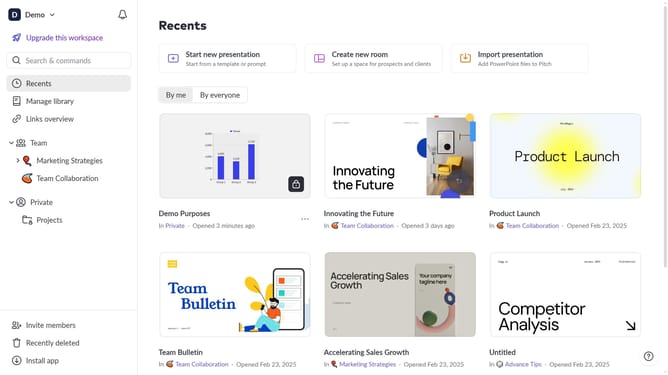
- First, open the presentation containing the block you want to animate
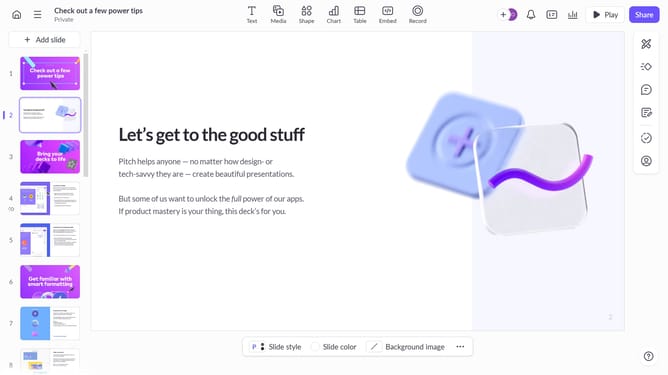
- From the left sidebar, select the slide containing the block
- Next, select the block you want to animate (such as a text block, image, shape, or other content block)
- In the right sidebar, click on the "Animate" option
- Then, select the "Enter" tab
- Finally, select "Slide left " from the available animation options
Why should you apply the Slide Left enter animation to a block on Pitch
Pitch is a dynamic platform designed to elevate creative presentations effortlessly.
Applying the Slide Left enter animation to blocks on Pitch brings a fresh and engaging visual flow to your presentations.
This animation enhances the audience's focus, smoothly guiding their attention from one element to the next.
Incorporating such animations can transform a static slide into an interactive experience, adding a touch of professionalism and keeping your message captivating.
Last update