How to change a template's name on Pitch
Here is how to change a template's name on pitch
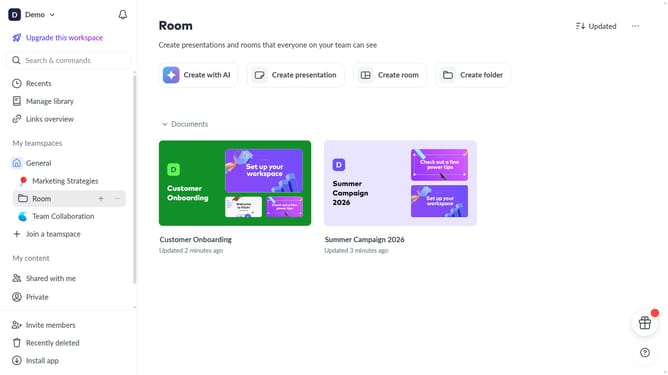
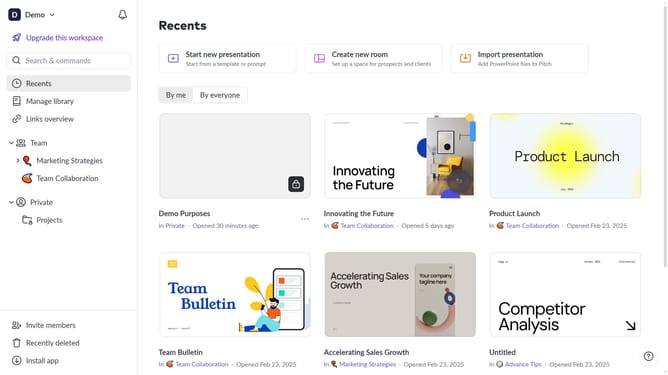
- First click on the "Manage library" from the dashboard
- Next, click on "Templates" in the sidebar
- Locate the template you want to rename
- Hover over the template and click the "Options" button (three dots)
- Then, select "Rename" from the dropdown menu
- Finally, enter the new template name and press "Enter" to save your changes
Why should you change a template's name on Pitch
Pitch is a dynamic platform designed to revolutionize collaborative presentations.
Changing a template's name on Pitch is a feature that enhances organization and clarity within your workspace.
Using this feature allows team members to easily identify templates, ensuring efficient workflow and saving time.
By renaming templates to reflect their purpose more accurately, users can maintain a consistent and tidy project environment.
Last update