How to use AI to expand an image on Pitch
Here is how to use ai to expand an image on pitch
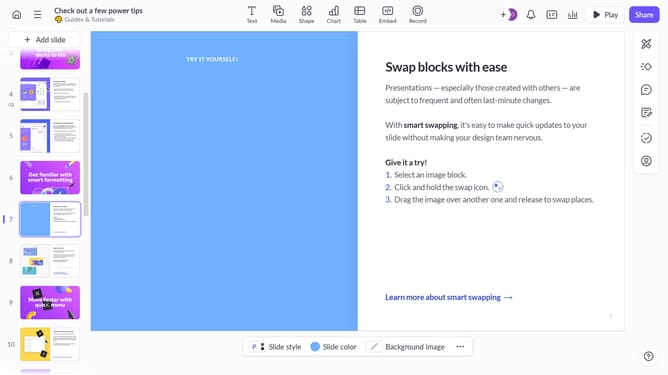
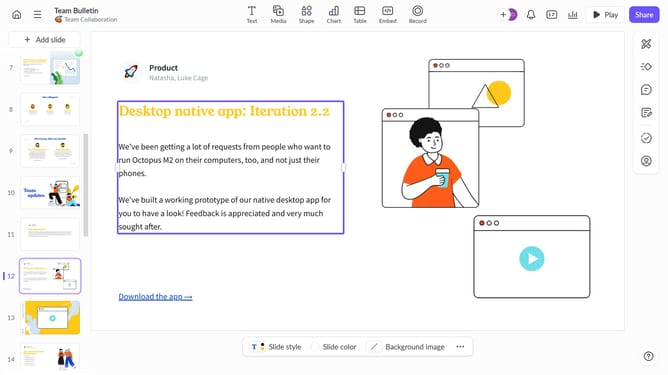
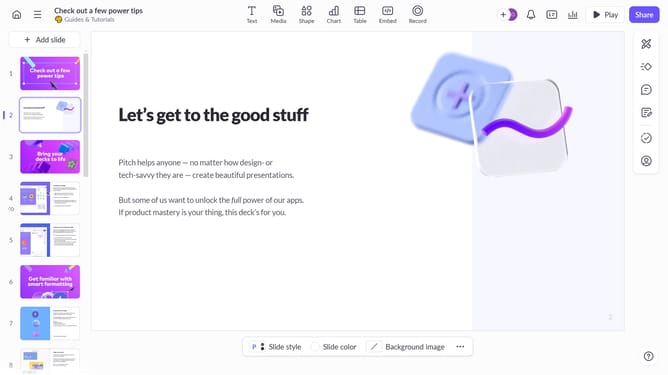
- First, open the presentation containing the image you want to edit
- Select the slide containing the image from the left sidebar
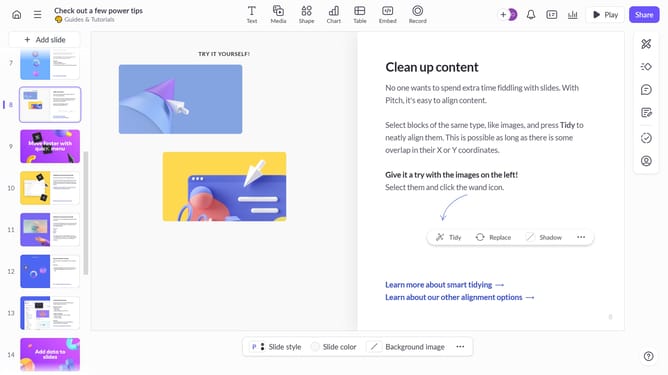
- Next, click on the image to select it
- After that, click on "Edit with AI" in the toolbar that appears
- Then, select "Expand image" from the AI actions menu
- Finally, select "Landscape (16:9)" or "Portrait (2:3)"
Why should you use AI to expand an image on Pitch
Pitch is a dynamic platform designed for creating impressive presentations effortlessly.
With the AI feature to expand images on Pitch, enhancing your visual storytelling becomes seamless. It integrates intelligent algorithms to extend the boundaries of your images, filling in the gaps with remarkable accuracy.
This boosts creativity, allowing users to craft more comprehensive narratives without the hassle of complex editing tools. Unlocking this feature means delivering more engaging content, thereby elevating the overall impact of your presentations.
Last update