How to upload your own media from your computer on Pitch.com
Here is how to upload your own media from your computer on pitch.com
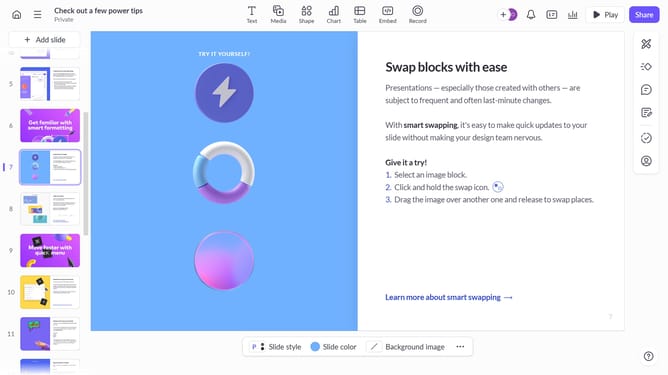
- First, navigate to the slide where you want to upload your media and click on the "Media" button in the top toolbar
- Next click on the "Upload media" button in the media library panel to upload an image from your device
- You've successfully uploaded your media to your slide
Why should you upload your own media from your computer on Pitch.com
Pitch is a dynamic platform crafted to revolutionize the way teams create stunning presentations.
Leveraging the feature to upload your own media from your computer on Pitch.com transforms your presentations into vivid narratives. Integrating personal visuals allows for a nuanced storytelling experience, fostering connection and clarity.
Utilizing this feature enhances creativity and individuality, enabling teams to tailor presentations that resonate with their audience on a profound level.
Last update