How to apply strikethrough to text in Pitch
Here is how to apply strikethrough to text in pitch
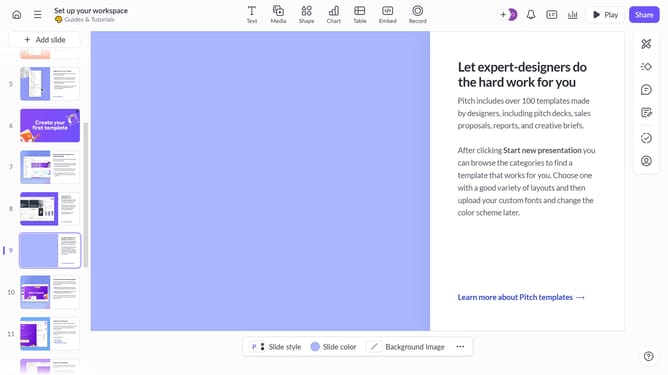
- First, open the presentation containing the text block you want to edit
- Next, select the slide containing the text block from the left sidebar
- Then, click on the text block to select it
- Click on the "More options" button in the toolbar that appears
- In the right sidebar, locate the "Decoration" option under "More text options"
- Finally, select the "Strikethrough" option
Why should you apply strikethrough to text in Pitch
Pitch is an innovative platform designed for creating and sharing impressive presentations effortlessly.
The strikethrough feature in Pitch is a handy tool for editing and revising your slides with ease.
Using strikethrough, you can visually communicate changes, deletions, or edits, making collaboration and feedback more intuitive.
This feature enhances clarity within your team, ensuring everyone is aligned without cluttering the slides.
Last update