How to convert text to uppercase in Pitch
Here is how to convert text to uppercase in pitch
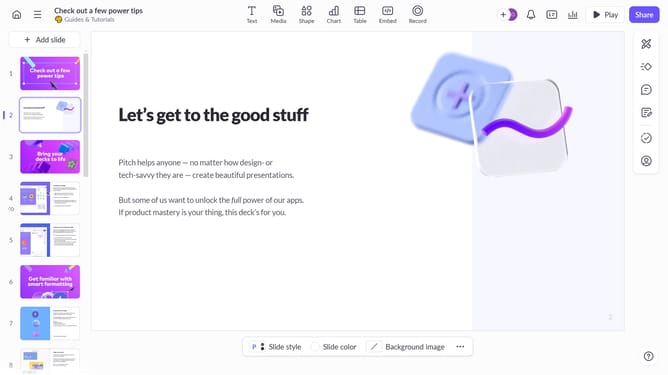
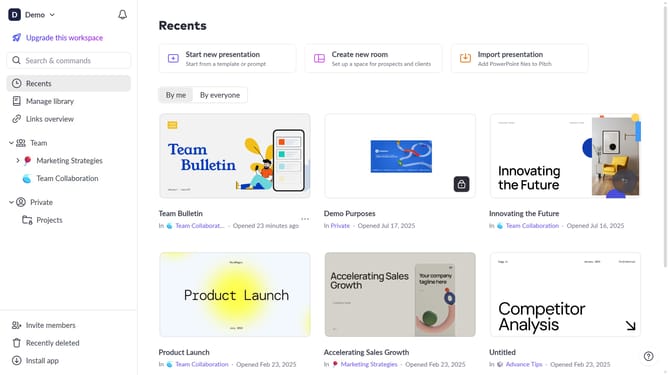
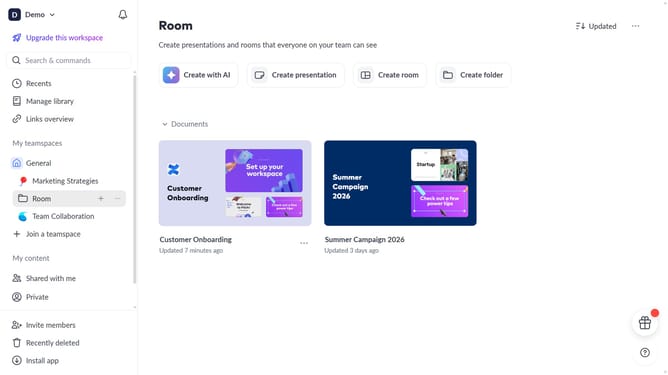
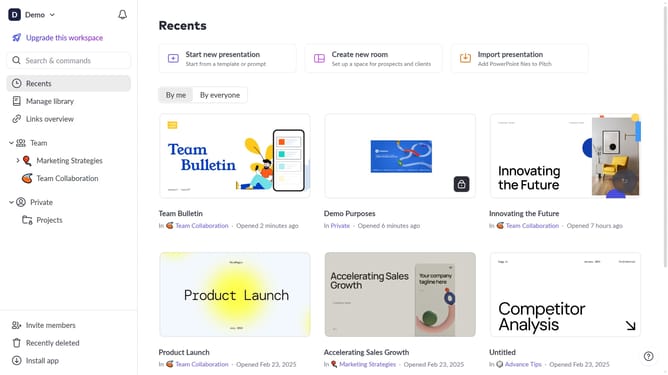
- First, open the presentation containing the text block you want to edit
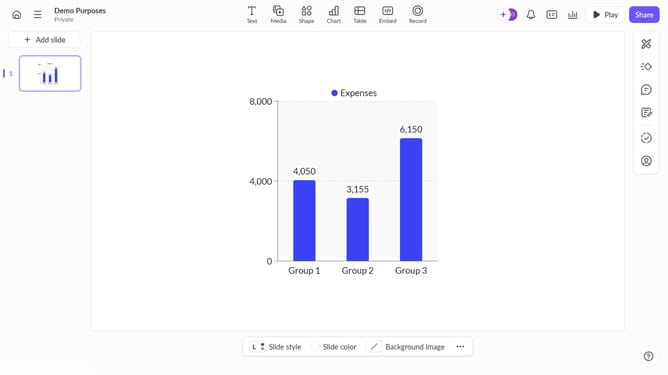
- Next, select the slide containing the text block from the left sidebar
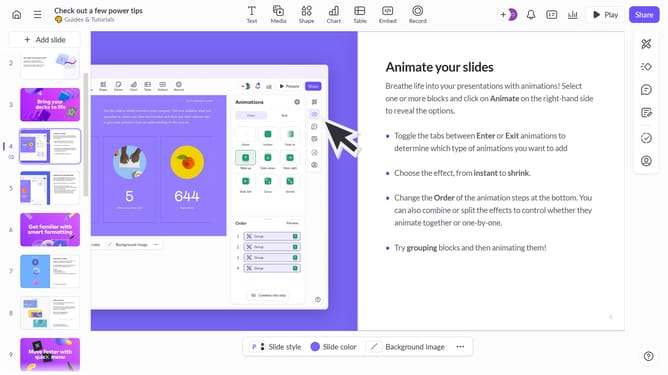
- Then, click on the text block to select it
- Click on the "More options" button in the toolbar that appears
- In the right sidebar, locate the "Uppercase" option under "More text options"
- Finally, enable the "Uppercase" option
Why should you convert text to uppercase in Pitch
Pitch is a dynamic presentation software designed to make creating impactful presentations simple and efficient.
One of Pitch's useful features is the ability to easily convert text to uppercase. This feature is invaluable for emphasizing key points in your slides, ensuring your message captures the audience's attention.
Using uppercase for headlines or important statements can enhance readability and draw focus to specific content, aiding in better communication of ideas.
By simplifying text formatting, Pitch helps present your ideas clearly and effectively.
Last update