How to track slide progress using statuses in Pitch
Here is how to track slide progress using statuses in pitch
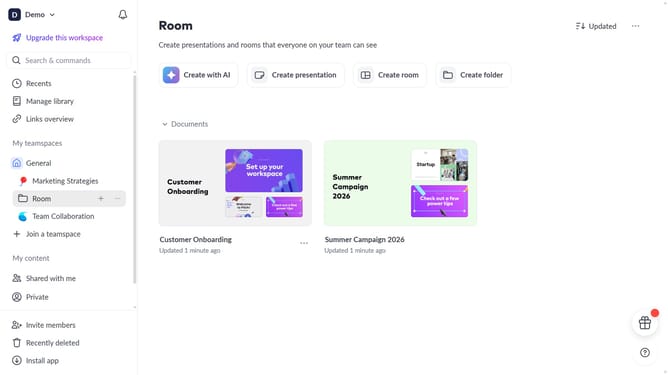
- First open the presentation where you want to track slide progress
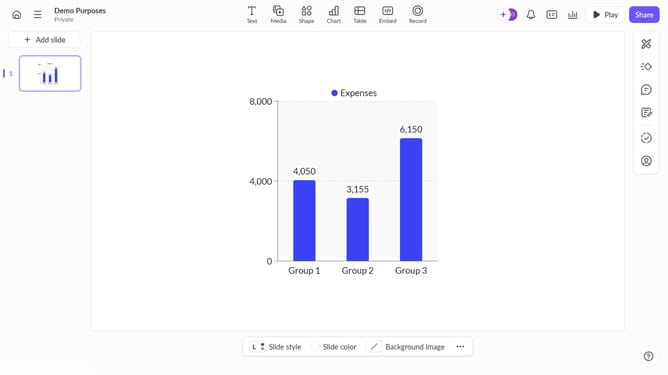
- Then click the slide from the left sidebar where you want to add a status
- Then assign a status to each slide using the "Set slide status" option in the right sidebar
- Next use statuses like "To do", "In progress", and "Done" to indicate the progress of each slide
Why should you track slide progress using statuses in Pitch
Pitch is a dynamic platform designed to streamline presentation creation and collaboration.
Tracking slide progress using statuses in Pitch allows you to effortlessly monitor the development stage of each slide. With intuitive labels, easily distinguish between slides that are drafts, in review, or finalized.
This feature enhances team collaboration by providing clear visibility, ensuring everyone is in sync and projects move smoothly from concept to completion.
By leveraging this tool, teams can minimize miscommunication, leading to timely and cohesive presentations.
Last update