How to create a bar chart in Pitch
Here is how to create a bar chart in pitch
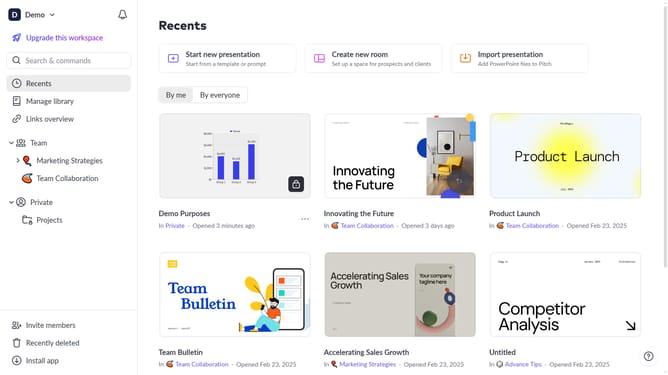
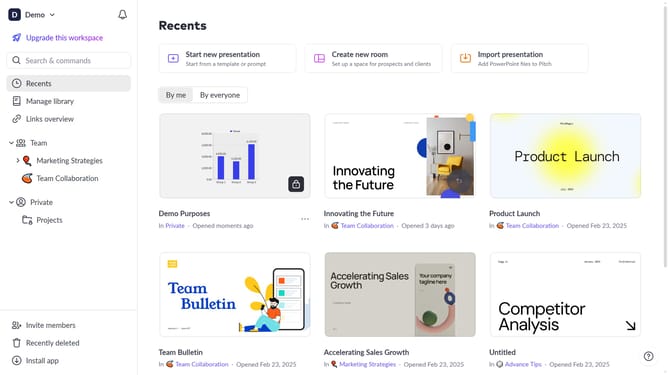
- First click the presentation you want to open
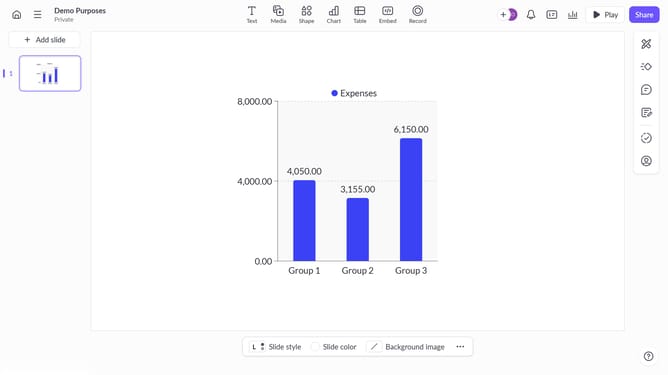
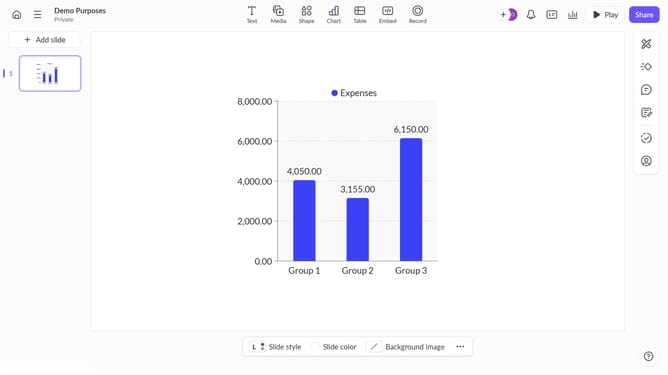
- Then click on the "Chart" icon in the top toolbar
- Next select the bar chart type from the "Column & bar charts" section
- Finally customize the chart's colors, labels, and layout as needed
Why should you create a bar chart in Pitch
Pitch is an innovative presentation platform designed to supercharge your storytelling and collaboration efforts seamlessly.
Creating a bar chart in Pitch is an intuitive feature that enhances your presentations by transforming raw data into visual narratives.
Using a bar chart in Pitch allows you to highlight key metrics and illustrate comparisons effectively, making complex data easily digestible for your audience.
This feature not only enriches your content but also elevates your pitch’s impact, helping you communicate insights more engagingly.
Last update