How to ungroup blocks on Pitch.com
Here is how to ungroup blocks on pitch.com
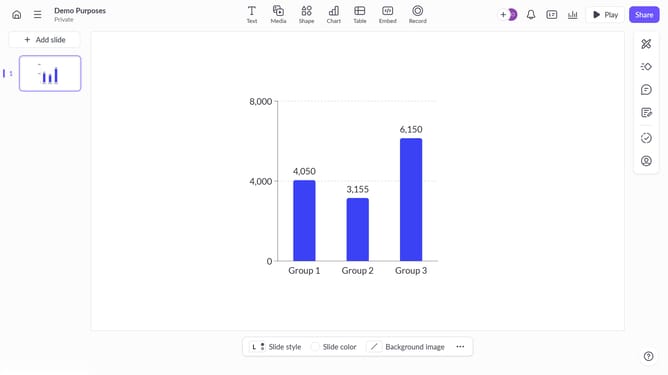
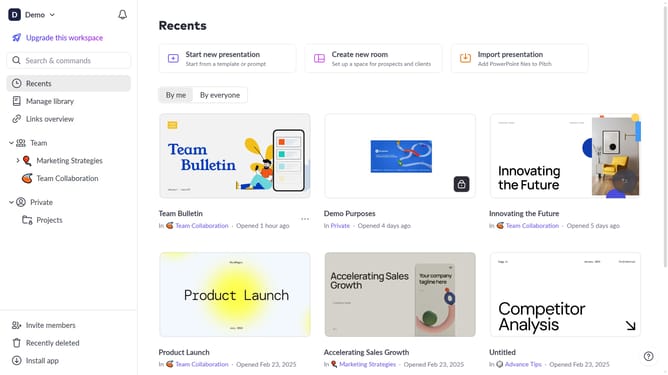
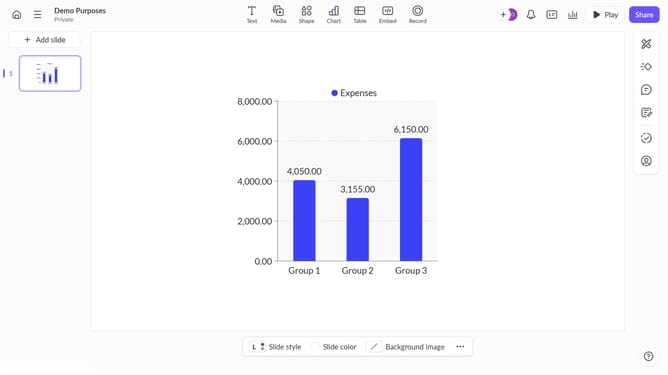
- First, open your presentation and navigate to the slide with the grouped elements
- Then, click on the grouped block to select it
- Next, right-click on the selected objects and click on the "Ungroup" option in the context menu or use the shortcut "Ctrl + shift + G"
- The objects will now be ungrouped, and you can move or edit them individually
- You’ve successfully ungrouped the blocks
Why should you ungroup blocks on Pitch.com
Pitch is a powerful platform designed to streamline the creation and collaboration of beautiful presentations.
A standout feature of Pitch is the ability to ungroup blocks, enhancing customization and creative control.
This feature allows users to separate grouped elements, enabling more precise adjustments and modifications.
Ungrouping blocks supports flexibility, facilitating more tailored and dynamic presentations to meet unique project needs.
Last update