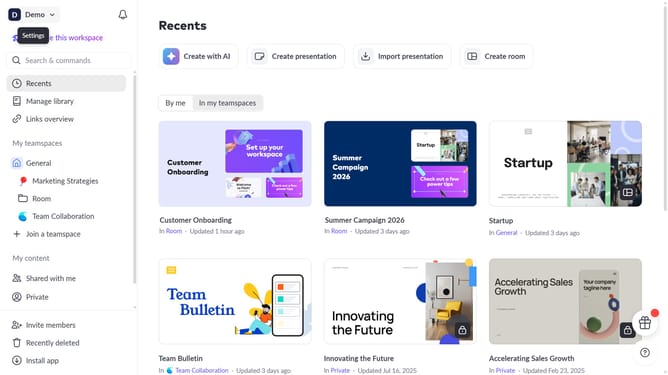
How to enable email notifications when someone assigns a slide to you on Pitch
Here is how to enable email notifications when someone assigns a slide to you on pitch
- First click on the dropdown next to your workspace name in the header
- Next, select "Account settings" in the expanded workspace menu
- Then, click on the arrow next to "Email preferences"
- Finally, turn on the toggle for "When someone assigns a slide to you"
Why should you enable email notifications when someone assigns a slide to you on Pitch
Pitch is a collaborative presentation software designed to bring teams together effortlessly.
Enabling email notifications when someone assigns a slide to you on Pitch ensures you never miss out on important updates. This feature keeps you informed in real-time, allowing you to prioritize your tasks and collaborate effectively with your team.
By receiving timely alerts, you can respond more swiftly, ensuring a smoother workflow and increased productivity. Staying informed keeps you ahead in the fast-paced world of collaborative projects.
Last update