How to disable email notifications when someone responds to your comments on Pitch
Here is how to disable email notifications when someone responds to your comments on pitch
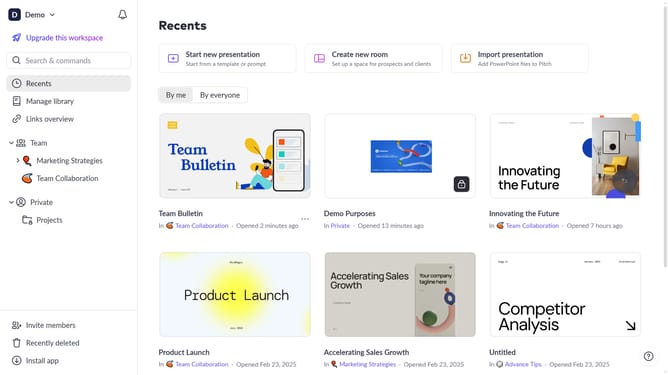
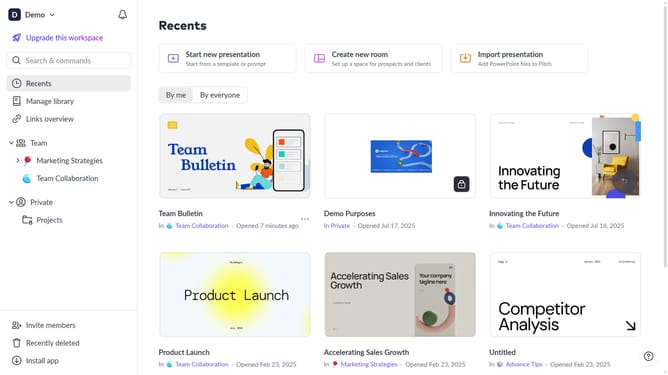
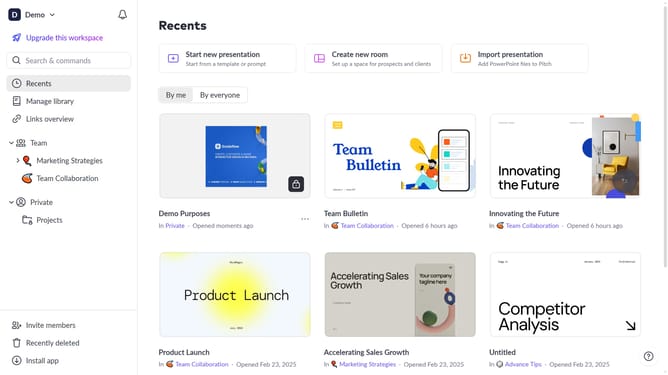
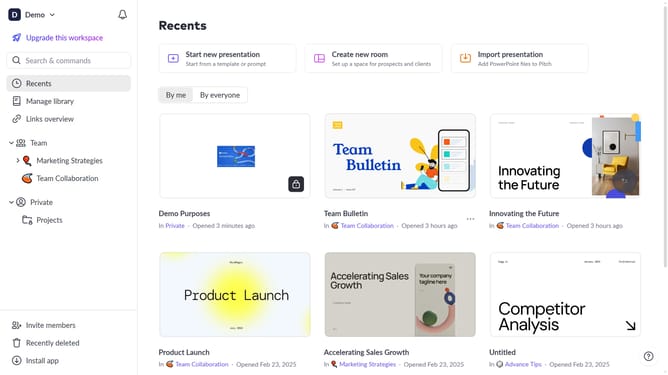
- First click on the dropdown next to your workspace name in the header
- Next, select "Account settings" in the expanded workspace menu
- Then, click on the arrow next to "Email preferences"
- Finally, turn off the toggle for "When someone responds to your comments"
Why should you disable email notifications when someone responds to your comments on Pitch
Pitch is a dynamic platform designed to streamline presentation creation and collaboration.
One useful feature in Pitch is the ability to disable email notifications for responses to your comments. This option allows users to maintain focus without the distraction of constant email alerts.
By choosing to disable these notifications, you can keep your inbox organized and concentrate better on your projects or other pressing tasks. This enhances productivity while ensuring you're only interrupted by what truly matters.
Last update