How to create an area chart in Pitch
Here is how to create an area chart in pitch
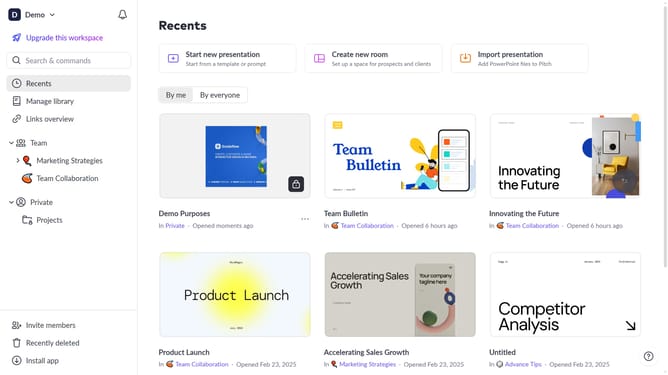
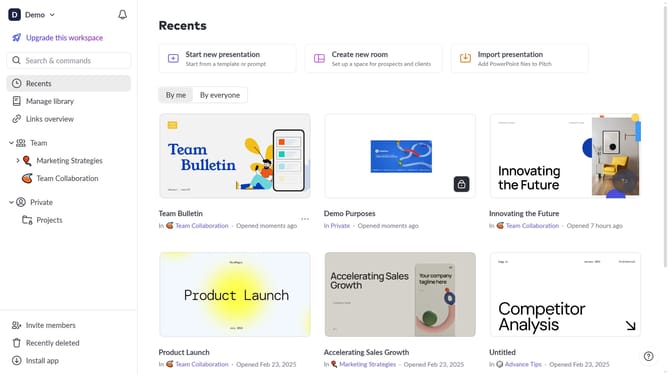
- First click the presentation you want to add a chart
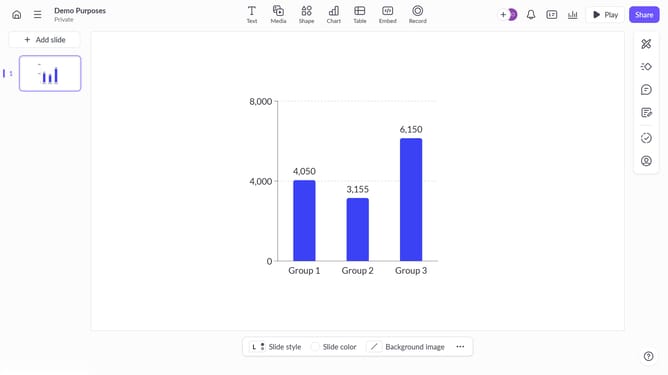
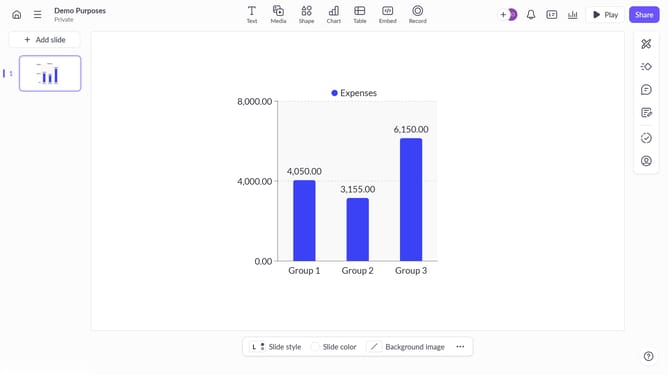
- Then click on the "Chart" icon in the top toolbar
- Next select the area chart type from the "Column & bar charts" section
- Finally customize the chart's colors, labels, and layout as needed
Why should you create an area chart in Pitch
Pitch is a modern presentation software designed to make creating stunning presentations intuitive and collaborative.
One standout feature in Pitch is the ability to create an area chart, which beautifully visualizes data trends over time, highlighting magnitude and change.
Leveraging this feature in your presentations can convey complex data concisely, making your message visually impactful and easier for your audience to understand.
Using area charts within Pitch not only saves you time but also enhances the persuasive power of your storytelling with visually appealing data representations.
Last update