How to align images in Pitch
Here is how to align images in pitch
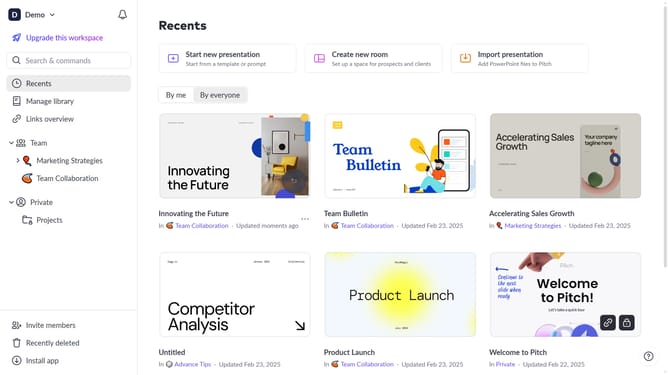
- First click the presentation that contains the images you want to align
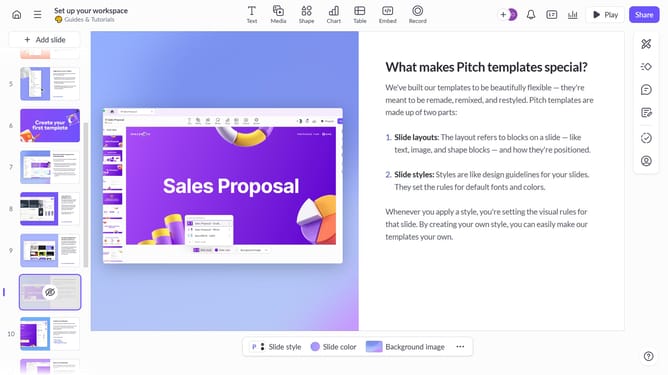
- Then right-click the image on the slide to open the context menu
- Next hover over the "Align" option in the context menu
- Finally choose the alignment option you want to apply to your image
Why should you align images in Pitch
Pitch is a dynamic presentation platform designed to revolutionize how teams create and collaborate on stunning presentations.
The ability to align images in Pitch streamlines the design process, ensuring that every visual component fits harmoniously within your presentation. Proper image alignment enhances the aesthetic appeal and reinforces message clarity, making each slide more impactful.
Utilizing this feature can transform ordinary presentations into professional, polished works of art, driving engagement and effectively conveying your message to the audience with ease.
Last update