How to change your avatar on Pitch
Here is how to change your avatar on pitch
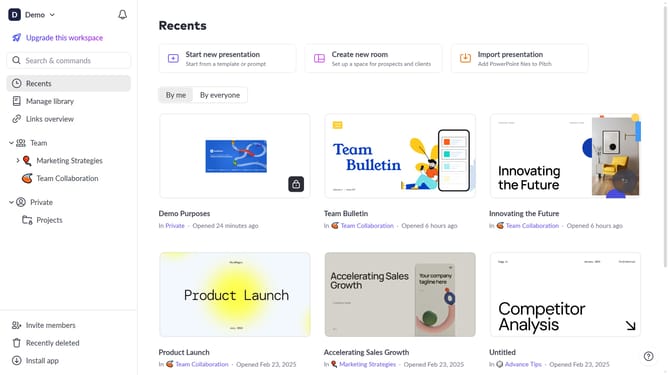
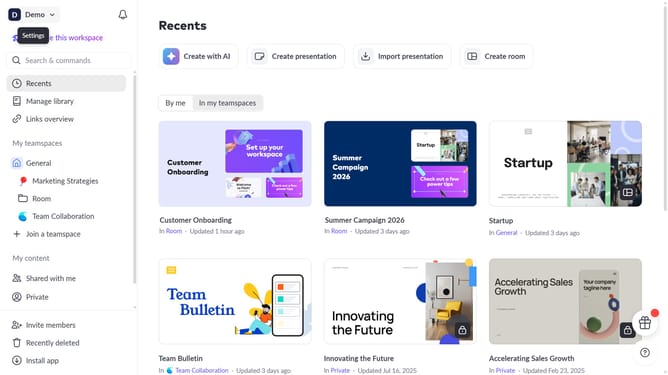
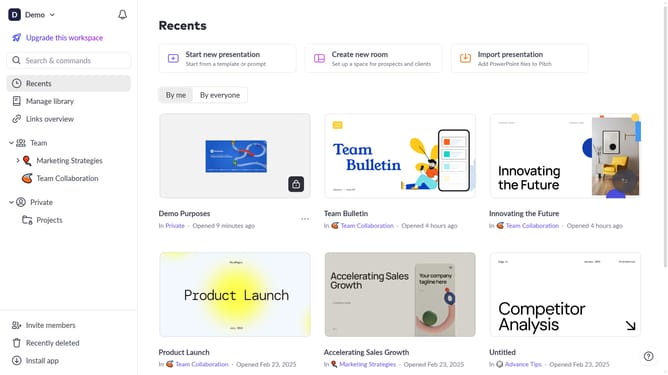
- First click on the dropdown next to your workspace name in the header
- Select "Account settings" in the expanded workspace menu
- In the "Account settings" modal, click on the arrow next to "Avatar"
- Then click on the "Upload new photo" button and select a new image from your device
- Finally click on the "Save changes" button
Why should you change your avatar on Pitch
Pitch is a collaborative platform designed to make creating stunning presentations effortless.
One of the key features in Pitch is the ability to change your avatar seamlessly, enhancing personal branding within a team environment.
Using your unique avatar helps personalize your profile and makes interactions more engaging, as team members can easily recognize each other in shared projects.
By customizing your avatar, you ensure your presence aligns with your personal or professional brand, fostering a sense of identity and connection among collaborators.
Last update