How to flip an image vertically in Pitch
Here is how to flip an image vertically in pitch
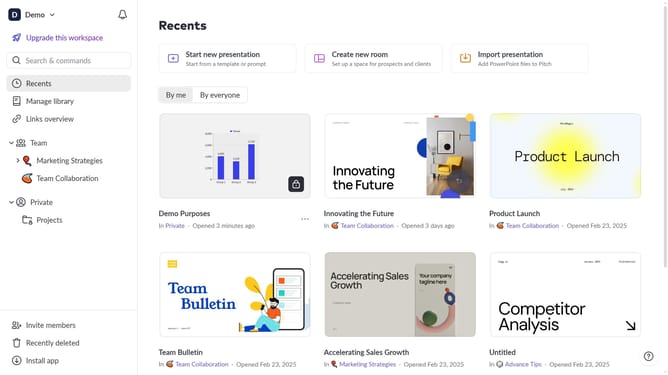
- First click the presentation that contains the image you want to flip
- Then click on the image in the slide editor to select it
- Next click on the "..." menu button in the image toolbar
- Then click on "Size & position" option in the right sidebar panel
- Finally click on the "Flip vertical" button in the Size & position panel
Why should you flip an image vertically in Pitch
Pitch is an innovative platform designed to revolutionize collaborative presentations with seamless creativity and functionality.
Flipping an image vertically in Pitch is a simple yet powerful feature that can enhance the visual appeal of your presentations. This feature allows users to adjust their images for better alignment and symmetry, adding a clever touch to the storytelling process.
By flipping images, you can create unique visual effects, better align imagery with text, or solve design inconsistencies with ease. This enhancement promotes a more polished and professional look to your presentation, engaging your audience effectively.
Last update