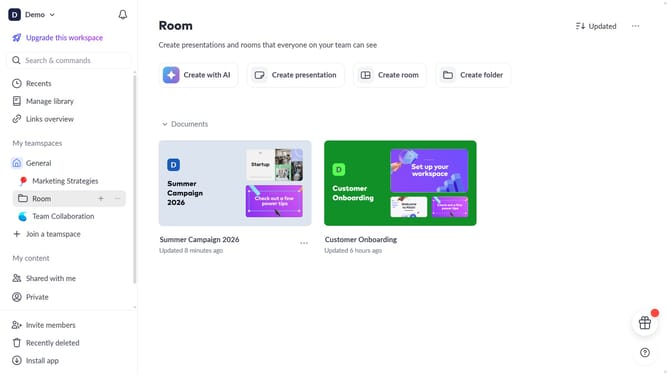
How to enable automatic subscriptions to presentations on Pitch
Here is how to enable automatic subscriptions to presentations on pitch
- First click on the dropdown next to your workspace name in the header
- Next, select "Account settings" in the expanded workspace menu
- Then, click on the arrow next to "Notifications"
- Finally, turn on the toggle for "Presentation subscriptions "
Why should you enable automatic subscriptions to presentations on Pitch
Pitch is a dynamic platform designed to reinvent how teams create and collaborate on presentations.
Enabling automatic subscriptions allows users to stay effortlessly updated with the latest presentations from their team.
This feature ensures you never miss crucial updates, fostering a seamless flow of information and collaboration.
By keeping everyone in the loop, it enhances team productivity and ensures alignment on shared goals.
Last update