How to hide scale labels on a chart on Pitch
Here is how to hide scale labels on a chart on pitch
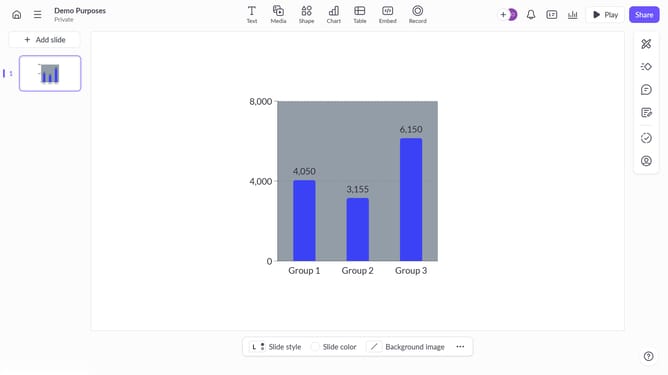
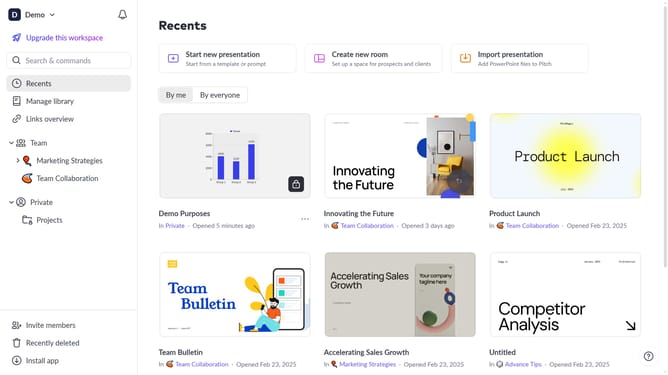
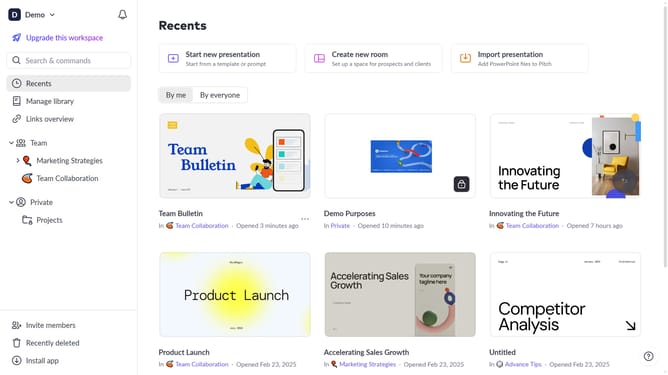
- First, open the presentation containing the chart you want to edit
- Select the slide containing the chart in the slide navigator
- Next, click on the chart to select it
- After that, click on the "More options" button in the toolbar that appears
- Then locate the "Scale labels" option in the right-hand panel
- Finally, toggle off the switch next to "Scale labels"
Why should you hide scale labels on a chart on Pitch
Pitch is a collaborative presentation software designed to make your storytelling seamless and impactful.
A standout feature of Pitch is the ability to hide scale labels on charts. This comes in handy when you need a cleaner visual presentation, allowing your audience to focus on the data itself.
By eliminating unnecessary labels, your slides maintain a polished and professional appearance. This feature gives presentations a minimalist touch, amplifying key data points without distraction.
Hiding scale labels on charts ensures your message is delivered with clarity and precision, enhancing the overall viewer experience.
Last update